

Circle vs Event
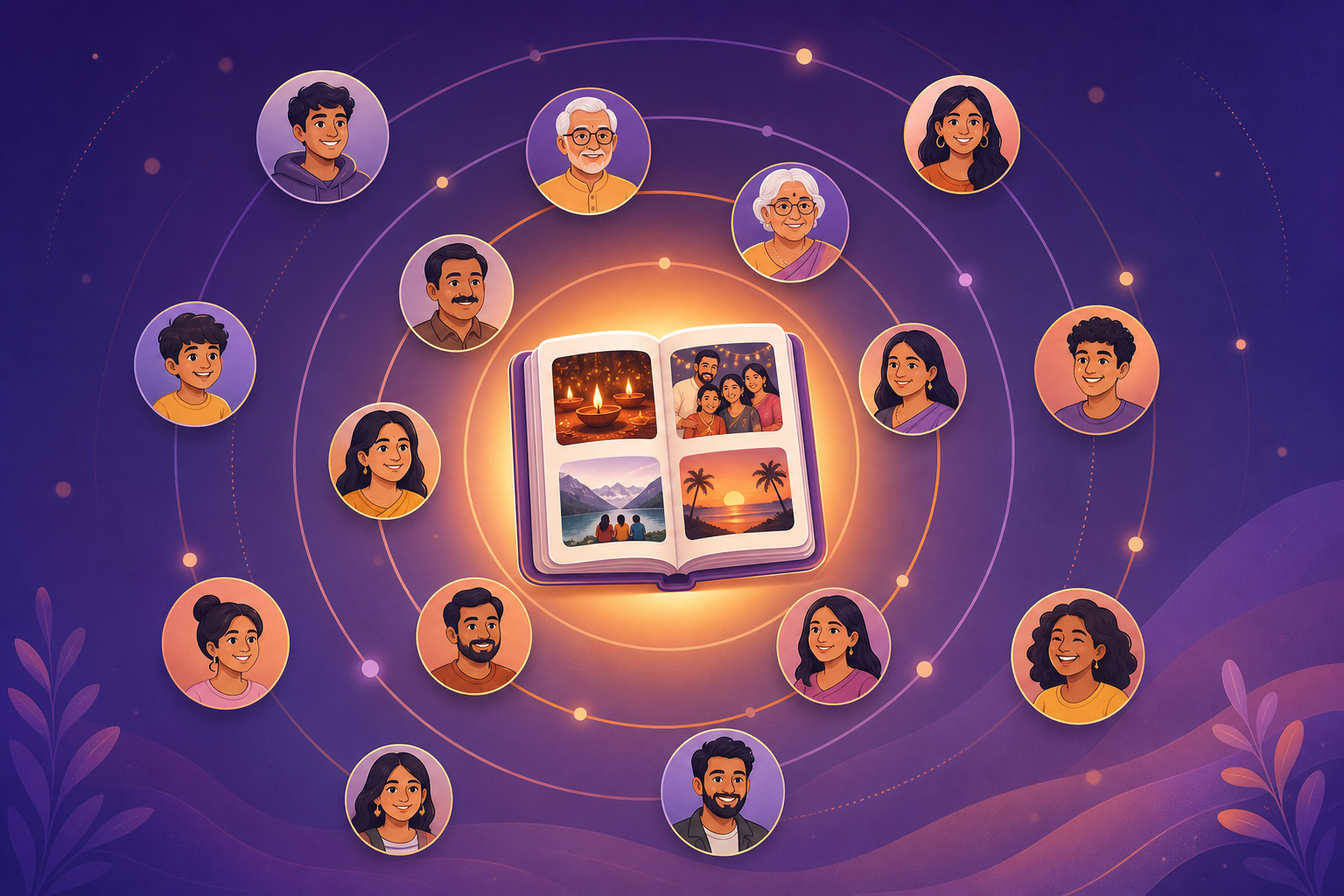
Do not flatten this. Memory Circles answer who is allowed in. Events answer which day you are looking at. Photos are added to the Event. Voice lives on the photo. That is the full stack.
- 1
Circle: who
Sharma Family, college friends, the wedding crew. Invite-only. This is the group, not a public album.
- 2
Event: which memory
Anniversary dinner, Diwali, Goa trip, the sangeet. Without an Event the Circle is another dump.
- 3
Photo: any member can add
Keepers land on that Event. Birthday photos never mix with the trip.
- 4
Voice and reactions on the photo
A voice note, voice replies, and hearts sit on that memory inside the Event.
August 9, 2026
July 26, 2026
July 17, 2026
Diwali at Home
12 Nov 2026 · 18 photos
Memories
SELECTEvents inside Circles: birthday to wedding
One Family Circle can hold every example below. The names are the memory. Members add photos to the right Event so Mom never has to scroll the year.
| Event | What stays together | What stays out |
|---|---|---|
| Birthday | Cake, wishes, that year's faces | Last Diwali, the Goa reel |
| Anniversary | Dinner, the toast, the two of them | The kids' school function |
| Holiday / festival | Diwali at Home, Holi colours, the puja | Random Tuesdays |
| Trip | Goa 2026, the train, the hotel balcony | Home-week leftovers |
| Wedding function | Mehendi, sangeet, pheras as their own Events | A single 4,000-photo wedding dump |
Trip albums also live on group trip photos. Birthdays on birthday photo album. Festivals on Diwali photo sharing. Those pages are use cases. This page is the mechanic: Event inside Circle.
Create an Event: tap path
The first-run taps are on Get started. In short: install Memoria on Android or iPhone, name a Circle, then add an Event for the moment you actually want to keep.
- 1
Open the Circle
Sharma Family, college friends, the wedding crew. This is who.
- 2
Add Event
Anniversary dinner, Diwali at Home, Goa trip. This is which memory.
- 3
Members add photos
Anyone in the Circle can add. Android and iPhone see the same Event.
- 4
Talk on a photo
Voice note, voice reply, heart. The story stays on that picture.
Inside an Event: photos, voice, reactions
Once the Event exists, it is not a folder you forget. Members add photos. On each photo they can leave a voice note, reply with voice, and heart the picture or the voice. That layer is taught on voice notes on photos. Events are what make that layer findable: the cake joke lives in Mom's 60th, not in a 200-message thread.
The Sharma Family walkthrough on the voice page (Circle, Mom's 60th, cake, Hinglish note, uncle in Dubai, hearts) only works because the Event exists. Without Events, voice is another clip in a dump.
Who can create that Event? Any Circle member. Who can add the cake photo? Any Circle member. You do not wait for an admin. You also do not open the Event to the public. Invite-only stays invite-only. That is why Events inside Circles are not a Facebook event page and not a public festival hashtag.
Find the Event later
Open the Circle. The Event list is the index: birthday, anniversary, holiday, trip. When you want search instead of tapping, Hinglish search and Memoria AI look through your Circles for the memory, not a public chatbot. A query like anniversary dinner can land on the Event that already holds those photos and voices.
Search does not replace Events. If everything sits in one shared album, a smart query still returns a mixed pile. Name the Event first. Search later. That order is how Social Memory stays findable after three Holis and two phones.
Family, friends, NRI, festival season
Joint families use one Circle and many Events so the pile never returns. Friends use a trip Event so the Goa set does not live in a dying WhatsApp group. See photo app for friends.
NRI members add from the other phone into the same Event. NRI family memories is the audience page. Festival season is when Events earn their name: Diwali at Nani's is not Holi, and neither is the airport hug in December.
Parents collecting a baby year can still use one Family Circle and cut it by Event: first birthday, first Diwali, the naming ceremony. Friends after a wedding can split mehendi and reception so the 4,000-file dump never happens. The homepage already sells Events as the moment layer. This page is the teaching URL for that line.
What to open next
- Download Memoria (Play Store and App Store)
- Get started: first Circle and Event
- Memory Circles
- Voice notes on Event photos
- Save WhatsApp photos into Events
- Group trip photos
- Birthday photo album
- Memoria home
Create one Circle. Add one Event for this week. Ask one relative to drop three photos. That is Events inside Circles, in one evening. Free for memories you choose to keep.
If you only remember one line: Circle is the people, Event is the moment, the photo is the object, voice and hearts sit on that object. Flatten any of those and you are back to a shared dump. Keep them stacked and Mom can open anniversary dinner only.
Frequently asked questions
What is the difference between a Circle and an Event?
A Circle is who: the private group (family, friends). An Event is which memory: birthday, anniversary, holiday, trip, wedding function. Photos live on the Event so Mom can open anniversary dinner only, not an 800-photo dump.
Who can create Events and add photos?
Circle members. Anyone invited to the Circle can create an Event and add photos to it. There is no public post and no follower count.
Can one Circle have many Events?
Yes. Sharma Family can hold Diwali at Home, Mom's 60th, Goa 2026, and the anniversary dinner. Each Event keeps its own timeline.
What about voice notes and reactions?
Voice notes, voice replies, and hearts live on the photo inside the Event. See voice notes on photos. Without Events those stories sit in the wrong pile.
How is this different from a Google Photos shared album?
A shared album is usually one stream. WhatsApp and Apple Shared Album are the same shape: one pile. Events inside Circles split the pile by moment so you can find the dinner, not the year.
How do I create my first Event?
Download Memoria, create a Circle, then add an Event. The tap path is on Get started. Live on Google Play and the App Store.