

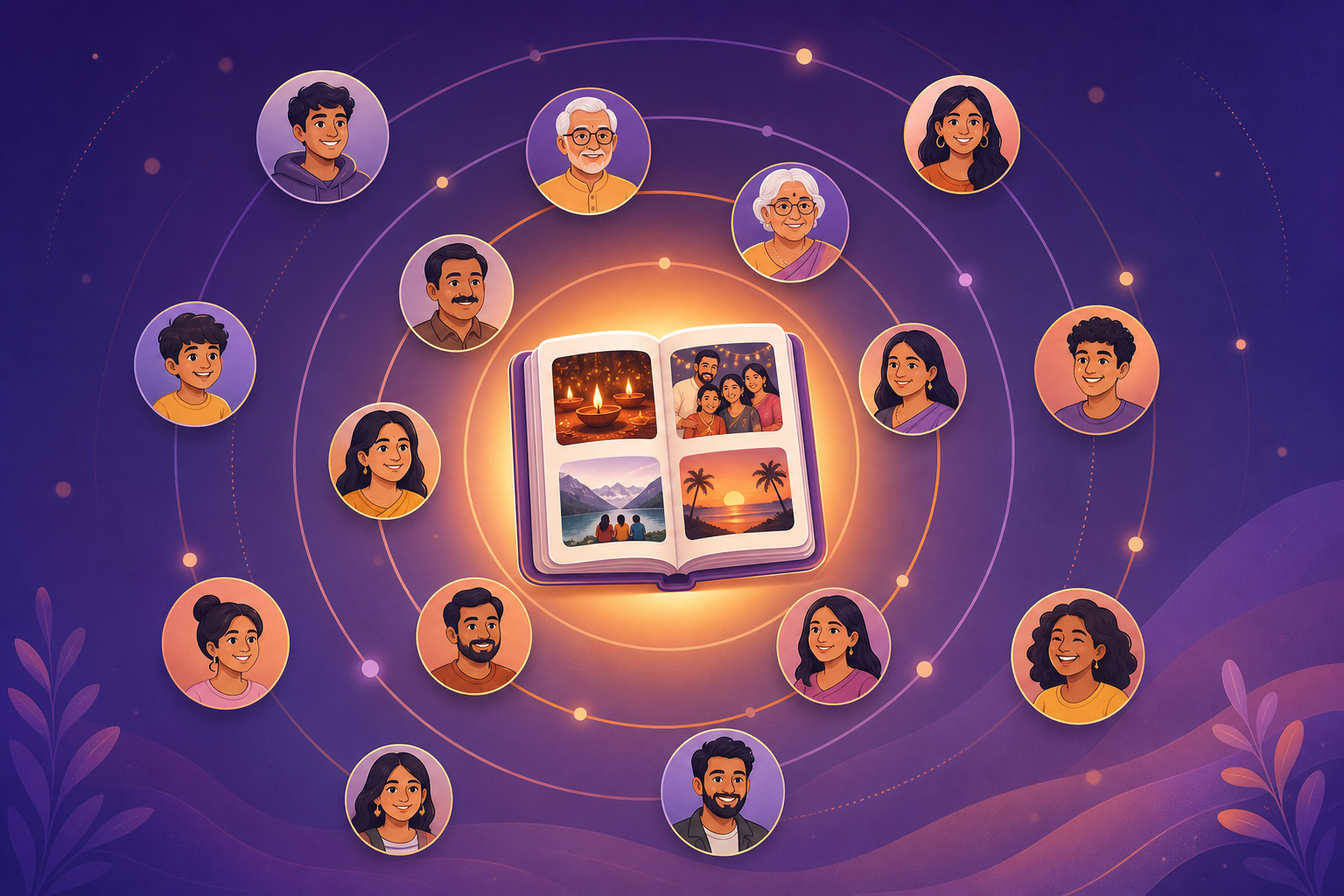
Circle, Event, photo, then voice
Do not flatten this. A voice note that is not tied to a photo inside an Event is just another chat clip. Memoria is Social Memory. The people come first. The moment comes second. The picture is the object. Voice is the story on that object.
- 1
Circle: who
Sharma Family, college friends, the wedding crew. Invite-only. This is the group who can hear the story.
- 2
Event: when or what
Mom's 60th, Diwali at Home, Goa trip. Without an Event the Circle becomes another dump.
- 3
Photo: anyone in the Circle can add
The cake photo, the pheras, the airport hug. Members add keepers to that Event, not to a public feed.
- 4
Voice note on that photo
Speak the joke in Hinglish. The audio sits on the photo, not in a separate chat bubble.
- 5
Voice replies from members
Uncle in Dubai replies with his own voice. Dadi taps play. The thread stays on the cake.
- 6
Reactions on photo and on voice
Heart or react on the picture and on the voice. The family sees those hearts years later.
The same stack is what Memory Circles and Events inside Circles teach. This page is the layer that sits on the photo: listen, reply, react.
August 9, 2026
July 26, 2026
July 17, 2026
Diwali at Home
12 Nov 2026 · 18 photos
Memories
SELECTWe do not invent a fake voice-reply screenshot here. In the app the path is: open the Circle, open the Event, tap the photo, record or play, reply, heart. The screens above show Circles and Events the way the product already ships.
Voice notes on photos vs WhatsApp and captions
WhatsApp is excellent at sending a clip today. It is a poor home for the story. The photo is one bubble. The voice is another. Both sit under a 200-message thread. Elders who skip typing also skip captions. A silent album is half a memory.
| Place | Where the story lives | What happens in a year |
|---|---|---|
| Photo bubble, then a detached voice bubble | Scroll forever. Forwards bury the cake joke | |
| Caption only | Text under the picture | Dadi skips it. Kids never hear the joke in her voice |
| Memoria Event photo | Voice on the photo, replies on that voice, hearts on both | Open Mom's 60th. Play. Reply. The thread is still there |
If the pictures themselves still live in chat, save keepers first with WhatsApp Gallery. Then add voice on those keepers. Chat stays chat. The Event holds the memory.
Tap path: record, listen, reply, react
After you create a Circle and an Event, the voice path is short. No public post. No story that expires in 24 hours.
- 1
Open the Event
From the Circle, tap Mom's 60th or Diwali at Home. You see the photos members already added.
- 2
Open the photo
Tap the cake, the pheras, the airport hug. This is the object the voice will sit on.
- 3
Record the voice note
Speak in Hinglish or mother tongue. You do not need a caption for elders to hear it.
- 4
Others listen, reply, and heart
Circle members play the note, reply with voice, and heart the photo or the voice. Same Event on Android and iPhone.
Who this is for
Grandparents who will play audio but will not type. See Memoria for seniors and share photos with grandparents.
NRI siblings who miss the room, not just the picture. A voice reply from Dubai or London sits on the same Event the family in India is looking at. Read NRI family memories.
College friends and wedding crews who already dump photos in a group. Put the trip or the sangeet in an Event, then talk on the keepers. Photo app for friends covers that Circle without turning it into a public story.
Festival Circles, birthdays, trips: the Event name is the memory. Voice is how people who were there, or who missed it, leave a mark without opening WhatsApp again.
Privacy: who can hear
Circle members only. Invite-only. No public profile. No discover page. If someone is not in Sharma Family, they cannot open Mom's 60th and they cannot play the cake note. Leaving the Circle ends access to that Event for that person.
Audio is not a broadcast. It is a family object, same as the photo it sits on. Android and iPhone use the same invite. Mixed-phone families do not split the story across two apps.
Later: search the memory, not a chatbot
Voice notes on photos also become something you can find again. When Memoria AI searches your Circles, it is looking for the memory, not chatting like a public assistant. A query such as dad laughing on birthday cake can surface the Event photo that already holds that voice. Pair this page with Hinglish search when you want to retrieve, not when you want a bot.
What to open next
- Download Memoria (Play Store and App Store)
- Get started: Circle, Event, first photo
- Memory Circles
- Events inside Circles
- Save WhatsApp photos into Events
- NRI family memories
- Photo app for seniors
- Circles for friends
Start with one Circle, one Event, one photo, one voice note. Ask one relative to reply. That is the whole product, in one evening. Free for memories you choose to keep, live on Google Play and the App Store.
Frequently asked questions
Can everyone in the Circle hear the voice note?
Yes. Circle members can hear voice notes on photos inside Events they share. Invite-only. People outside the Circle cannot open the Event or play the audio.
Can I reply with voice?
Yes. After someone leaves a voice note on a photo, other Circle members can reply with their own voice. The reply stays on that photo inside the Event, not as a detached WhatsApp bubble.
Can I react to a voice note?
Yes. You can heart or react on the photo and on the voice. Reactions sit on that memory so the family sees them years later, not under a new chat thread.
Is it public?
No. Voice notes on photos live in invite-only Circles. There is no public feed, no follower count, and no algorithm sending the cake joke to strangers.
Does it work without typing?
Yes. Record a Hinglish or mother-tongue voice note. Elders who skip captions can tap play. Built for families who talk more than they type.
Who can add a voice note to a photo?
Any Circle member. You create a Circle for the people, an Event for the moment, then anyone in that Circle can add photos and leave voice on those photos.
Does this work on Android and iPhone?
Yes. The same Circle and Event open on Google Play and the App Store. A voice note recorded on Android plays on iPhone, and the reply from Dubai plays on both.
How is this different from WhatsApp voice notes?
WhatsApp puts the photo in one bubble and the voice in another. Both drown under good-morning forwards. Memoria attaches the voice to the photo inside the Event so the story stays on the memory.