Why Instagram and WhatsApp fail as a photo app for seniors India
Instagram optimizes time-on-app: Reels, suggested accounts, ads between family posts. An elder opening the app for one grandchild photo fights five minutes of distractions before giving up. That is not a user failure - it is hostile design for seniors.
WhatsApp is familiar but terrible for memory: compression destroys detail on festival sarees and baby faces, photos disappear in scroll, and clearing chat history deletes history. A photo app for seniors India needs permanence and quality, not another group where "good morning" stickers bury yesterday's milestones.
Memoria removes both problems. One Circle timeline. Chronological family photos at large size. No strangers. No algorithm deciding which grandchild to hide. Calmer than WhatsApp, simpler than Instagram.
Elder-friendly photo app design: what Memoria does differently
An elderly friendly photo app starts with restraint. Memoria's free tier has no ads. The home screen is the family timeline - not a dashboard of settings. Tap a photo to enlarge. Tap heart to react. Tap a voice note icon to hear a grandchild's message. Three concepts, not thirty menus.
Typography and touch targets follow accessibility thinking: readable labels, high contrast, forgiving tap areas for slightly trembling hands. When your parent uses a Jio smartphone with large system text, Memoria remains usable because it was tested on real Indian elder devices, not only flagship phones in Bangalore tech parks.
Voice notes matter for seniors who prefer hearing to typing. Children attach short blessings or updates to photos. Elders play them with one tap - emotional connection without keyboard anxiety.
Seniors as participants, not just recipients
The share-photos-with-grandparents guide focuses on adult children setting elders up. This photo app for seniors India page adds the next chapter: elders uploading their own world back to the family.
Nani's tulsi garden. Nana at morning walk. Temple visit on Tuesday. These photos complete the family archive - not only grandchildren performing for the camera. Memoria makes upload optional and celebratory: families cheer the first elder-uploaded photo like a milestone.
Start view-only for two weeks. Then show one upload button during a visit. Patience beats tutorials. A photo app for seniors succeeds when the first independent heart reaction happens - proof they belong in digital family life, not outside it.
How families set up this photo app for seniors (link to 5-minute guide)
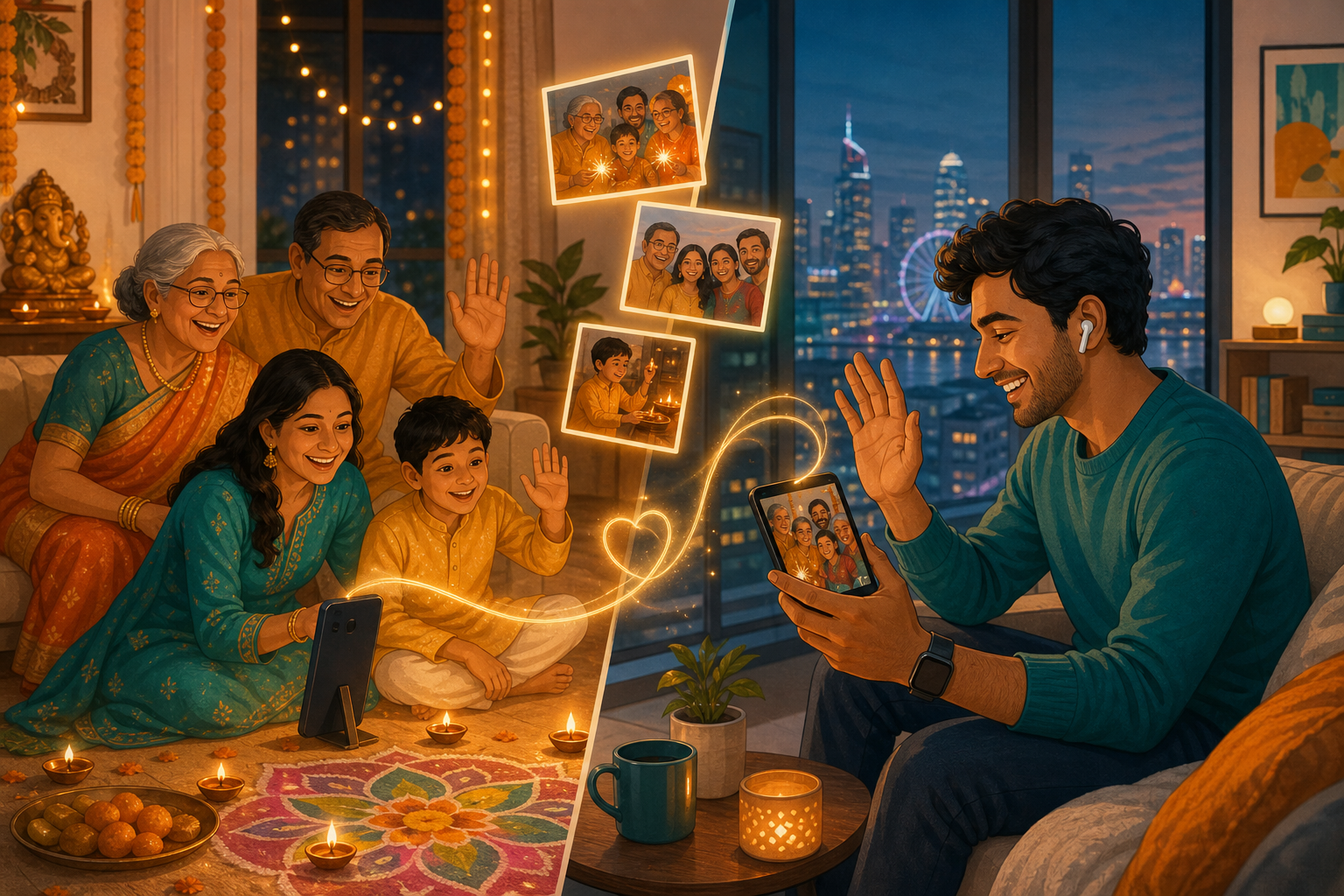
Most elders never install alone on day one. A child or grandchild downloads Memoria, creates a Family Circle with a recognizable name (Sharma Family, not Circle 1), uploads recent photos so the timeline is not empty, and sends the WhatsApp invite on video call.
Our dedicated 5-minute elder setup guide walks through every tap. NRIs setting up parents in India should read NRI family memories for time-zone and video-call tips.
Save the Memoria icon on the home screen during the first successful session. That single step doubles daily opens for elders who otherwise forget app names.
Privacy and India hosting for senior family photos
Elders are rightfully cautious about scams and public exposure. Memoria Circles are invite-only - no public links, no discoverable profiles. Data is encrypted on servers in India under DPDPA alignment. Photos are not sold to advertisers or used to train public AI models.
When choosing a photo app for seniors India, ask: Can strangers see these photos? Is there an algorithm feed? Where is data stored? Memoria answers no, no, and India - criteria families ask before inviting parents who remember pre-smartphone privacy norms.
Download the photo app for seniors India families use
Memoria is free on Google Play and the App Store. 10,000+ memories free. No credit card.
Download on your phone first if you are the family helper. Set up the Circle. Then invite elders with photos already waiting. The best photo app for seniors India is the one parents actually open twice a week - Memoria earns that by staying simple.
Frequently asked questions
What is the best photo app for seniors in India?
Memoria is a strong photo app for seniors India families choose when elders want large photos, simple navigation, and no algorithm clutter. Private Family Circles show chronological family photos with heart reactions and voice notes. Free on Google Play and App Store with data on India servers.
Is Memoria an elderly friendly photo app?
Yes. Memoria is designed as an elderly friendly photo app: large touch targets, high-contrast timelines, no ads on the free tier, no infinite scroll tricks, and no strangers. Seniors view and react first; uploading optional photos like garden or festival shots comes later.
How is a photo app for seniors different from Instagram or WhatsApp?
Instagram uses reels, ads, and algorithmic feeds that confuse elders. WhatsApp compresses photos and buries them in chat. A photo app for seniors like Memoria shows only family photos in one Circle timeline at full resolution - three actions: view, heart, listen to voice notes.
Can seniors in India use Memoria without help every time?
After a one-time setup (usually done by adult children on video call), most elders open Memoria from a home-screen icon and scroll family photos independently. Heart reactions need one tap. Full setup guide for families: memorias.in/share-photos-with-grandparents
Does Memoria work on Jio phones and basic Android devices?
Yes. Memoria runs on common Indian Android phones including Jio and budget devices elders use. The photo app for seniors India experience prioritizes readable text and simple navigation over feature-heavy menus.
Can seniors upload their own photos on Memoria?
Yes. After they are comfortable viewing, elders can upload garden photos, temple visits, or grandchildren visits from their phone camera. Many families start with view-only for two weeks, then celebrate the first elder upload.
Is Memoria safe for seniors' privacy in India?
Memoria stores encrypted data on servers in India (AWS Mumbai), aligned with DPDPA. Circles are invite-only - no public profiles, no data sold to advertisers. A photo app for seniors should never expose elders to strangers or targeted ads.
How do NRIs set up Memoria for parents in India?
Adult children abroad create the Family Circle, upload recent photos, and send the WhatsApp invite while on video with parents. See our NRI family memories guide and the 5-minute elder setup at share-photos-with-grandparents.
Social Memory vs social media for Indian elders
Social media broadcasts to followers. Social Memory shares privately with chosen family. For seniors, that distinction is safety and sanity. Memoria invented Social Memory as a category - organized like Google Photos, intimate like WhatsApp, private unlike Instagram.
Read the full Social Memory guide or explore Memoria for new parents when the same Circle includes baby milestones and grandparent viewing. After photos are in the Circle, Memoria AI can find them in Hinglish. Privacy of that assistant: Memoria AI privacy.