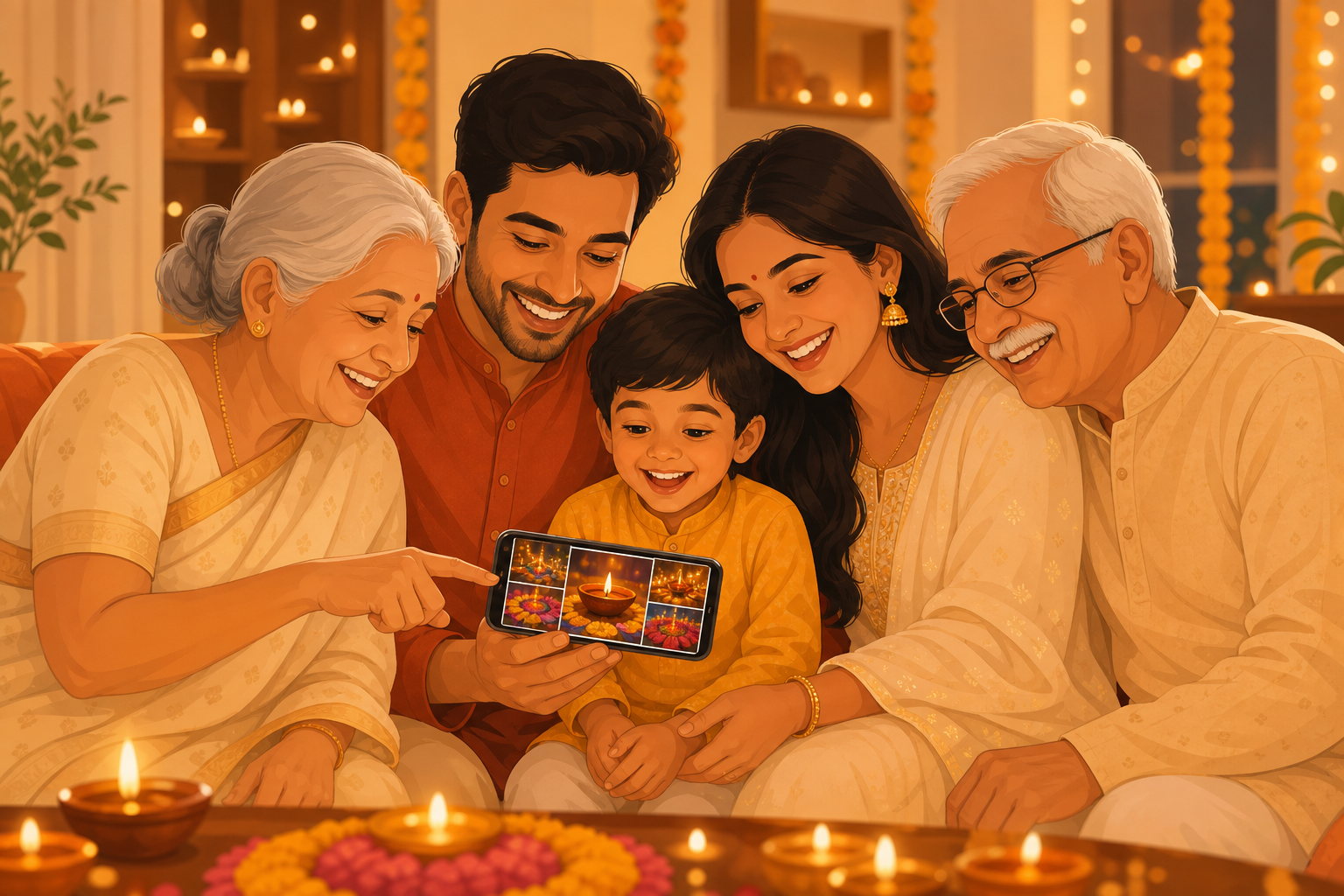
Why grandparents get excluded from digital family life
Indian grandparents are deeply invested in grandchildren's visual milestones - first walk, first day of school, festival outfits - yet industry data consistently shows seniors struggle with mainstream photo apps. Interfaces assume smartphone fluency from age fifteen. Gesture navigation, hidden menus, and algorithmic feeds alienate users who got their first phone at sixty.
The workaround today is painful: wait for a relative's visit, scroll quickly through someone else's small screen, see ten percent of what happened since last time. Or receive occasional WhatsApp forwards that are already compressed and mixed with unrelated messages. This is not sharing photos with grandparents India families deserve.
The fix is not "teach grandma Instagram." The fix is software that meets her where she is: big photos, obvious buttons, no noise. Memoria's Circle timeline passes that test because it was designed for joint families, not Silicon Valley creators.
Help your parents join Memoria in 5 minutes
The hardest part of sharing photos with grandparents is not the app - it is the first five minutes of setup. Do this on a video call so nobody feels lost. These steps work for parents in India and NRIs setting up elders back home.
- Download Memoria on your phone from Google Play and sign in.
- Create a Family Circle with a name elders recognize - Sharma Family, not "Circle 1."
- Upload 3-5 recent photos so the timeline is not empty when they open it.
- Tap Invite and send the link on WhatsApp while on video. They tap once, accept, and land on large photos.
- Show view and heart react only. Skip uploads for the first week. Celebrate when they tap a heart on their own.
If they use a Jio or basic Android phone, the same steps work - Memoria is optimized for large text and simple navigation. For new parents sharing baby photos with grandparents, see our baby photo album guide.
Elder-friendly UX: large photos, no algorithm clutter
Social media apps optimize engagement: infinite scroll, suggested reels, ads between family posts. For grandparents, this is hostile design. They open the app for one purpose - see family - and fight distractions for five minutes before giving up. Instagram's Reels tab alone has sent countless Indian elders back to the home screen confused, never finding the one grandchild photo they were promised.
Memoria removes the engagement tricks entirely. No ads on the free tier. No algorithm deciding which grandchild's photo to hide. No strangers. The Circle timeline is chronological family photos at large size. Tap to enlarge. Tap heart to react. Tap microphone icon on your upload to add a voice note they can hear. Three concepts, not thirty settings. That restraint is intentional: grandparents should never feel like they failed a tutorial just to see a birthday photo.
Typography and touch targets follow accessibility thinking even if your parent does not use screen readers: readable labels, high contrast, forgiving tap areas. When you share photos with grandparents India households, the UI should feel calmer than WhatsApp, not more complex.
Setting up Memoria for parents and grandparents step by step
You do the setup; they receive the benefit. Download Memoria on Google Play or the App Store. Create a Family Circle with a name they recognize. Upload fifteen to twenty recent photos - grandchildren, family dinners, a festival, a casual Tuesday - so their first open feels rewarding, not empty.
Copy the Circle invite link. Paste it in your existing family WhatsApp group with a short message in Hindi or English: "Nani, tap this link - all family photos will appear here big and clear." Offer to walk through on a phone call the first time. Most elders succeed on the second tap once they see their own face on screen.
During your next visit home, sit with them for ten minutes: show how to heart a photo, how to upload a garden picture, how to play a voice note. Save the app icon on their home screen. Share photos with grandparents India successfully when the first week includes encouragement, not assumption.
Full-resolution photos grandparents can actually zoom into
WhatsApp's compression is brutal for detail grandparents care about: embroidery on a festival lehenga, the expression on a baby's face during annaprashan, handwriting on a birthday card. A 12 megapixel image becomes a soft small file permanently. Screenshots make it worse.
Memoria preserves original camera quality for upload and viewing. When nani pinches to zoom on her granddaughter's eyes, detail remains. For families who may print albums later or display photos on a tablet during gatherings, starting with quality matters.
Storage is 10,000+ memories free with smart compression that protects faces and important detail - not unlimited raw gigabytes, but far better than chat-app thumbnails. The tradeoff favors memories you will want in twenty years, not disposable chat attachments. When relatives gather for Sunday lunch and pass a phone around the table, grandparents deserve images sharp enough to provoke real conversation, not polite nods at pixelated faces.
Voice notes: when grandchildren are too young to call every day
Text captions help but feel thin for emotional milestones. Voice notes on Memoria attach audio directly to a photo: your toddler saying "I love you Nana," your message explaining the school medal, papa in India recording a blessing on a mundan image for cousins abroad to hear later.
Grandparents tap once to play. No navigating voice message widgets in WhatsApp mixed with unrelated audio notes. The sound and image stay married forever in the timeline. For elders whose eyes tire, voice can be the primary way they participate - listening daily even when they do not upload.
This is especially powerful when you share photos with grandparents India relatives who prefer Hindi or regional languages over typing English captions. Speak naturally; the memory stores authentically.
Joint family Circles: one timeline for nani, dadi, and all cousins
Indian joint families do not map cleanly to nuclear-family apps. Maternal grandparents in one city, paternal in another, maasi sending photos from a third WhatsApp group, chacha forwarding screenshots from a wedding. Grandparents end up with fragmented glimpses. When you share photos with grandparents India relatives trust, they should not need five apps to feel included in one family.
Memoria supports multiple Circles and overlapping membership. A "Grandchildren" Circle can include both sets of grandparents plus siblings' kids. Events inside Circles separate naamkaran from birthday without splitting the elder audience across apps. Everyone invited sees the same organized story.
You can still maintain privacy boundaries - a Circle for parents' side only, another for in-laws - without forcing elders to learn two different interfaces. Same app, same simple timeline pattern, different membership. Joint family complexity handled without joint family chaos.
Helping tech-anxious grandparents feel confident, not stupid
Fear of breaking technology keeps many elders from tapping anything unfamiliar. One wrong dialog feels like proof they "cannot do modern things." Your job when introducing Memoria is emotional as much as technical: reassure that hearts are reversible, uploads can be deleted, and there is no public audience judging mistakes. Many Indian grandparents tried smartphones primarily for WhatsApp calls - photo apps that punish exploration reinforce the belief that technology is for the young.
Start with consumption only - let them view and react for two weeks before suggesting uploads. Celebrate small wins on calls: "Did you see the heart on your photo?" Avoid comparing them to cousins who "already use five apps." Patience converts anxiety into daily habit faster than feature lectures.
Memoria deliberately limits visible features for Circle members who only browse. No creator dashboards, no analytics, no settings maze. When you share photos with grandparents India families love, dignity and simplicity matter as much as megapixels.
Digitizing grandparents' albums into the same Circle
Grandparents possess irreplaceable visual history: wedding albums from the 1960s, childhood photos of your parents, festival gatherings before smartphones. These prints rarely reach younger generations except during rushed visits home. Digitizing into Memoria turns passive albums into shared living archives.
Use daylight and a flat surface to photograph prints with your phone, or bring a portable scanner on trips. Upload to the Family Circle with approximate dates and names your grandparent narrates. Let them watch the timeline extend backward as you add - often the most joyful tech experience they have had.
Ask grandparents to narrate names and stories as you upload. "This is your father at IIT in 1982" turns a faded print into context your children will need someday. Those spoken captions can become voice notes attached to the digitized frame, preserving accent and emotion along with the image.
The merged timeline - their 1975 wedding beside your child's 2026 birthday - is Social Memory at its best. New parents can use the same Circle for baby milestones in our baby photo album app guide for India. Also see photo app for seniors India, Memoria India and what Social Memory means. Download Memoria free on Google Play and give them every family moment in one beautiful, simple place.
Frequently asked questions
What is the easiest way to share photos with grandparents in India?
Create a Memoria Family Circle, upload recent grandchild photos, and send the invite link on WhatsApp. Grandparents see a simple large-photo timeline without ads, algorithms, or forwards. They react with a heart and can play voice notes you attach to images.
Which app is best to share photos with grandparents who are not tech-savvy?
Memoria is designed for ages 8 to 80: three main actions (view, react, upload), large text and images, no clutter. Google Photos links confuse elders. Instagram is overwhelming. WhatsApp buries photos in chat. Memoria keeps the experience focused on family only.
Can grandparents see full-resolution photos, not WhatsApp thumbnails?
Yes. Memoria stores and displays photos at original quality. WhatsApp compresses images heavily. For milestone photos grandparents will zoom into - first steps, festival outfits, school functions - full resolution matters.
How do voice notes help when sharing photos with grandparents?
Attach a short voice message to any photo. Your child can say 'Happy birthday Nani' on a recording linked to the cake image. Grandparents tap once to play. It adds emotion text captions cannot carry, especially when grandchildren are too young to type.
Do grandparents need to create a complicated account?
They join via invite link once, typically opened from WhatsApp. No complex passwords to remember if they stay logged in. A younger family member can help with the first setup in five minutes during a visit or video call.
Can multiple grandchildren share one Circle with the same grandparents?
Yes. Joint family Circles include photos from all siblings' children. Grandparents see one unified timeline of the family they care about instead of juggling separate WhatsApp groups per household.
Is it safe to share photos with grandparents without posting publicly?
Memoria Circles are invitation-only. No public profile, no searchable feed, no ad targeting from your family images. Data is encrypted on India servers under DPDP expectations. Safer than Instagram or Facebook sharenting.
Can grandparents upload their own old photos for the family?
Yes. They can photograph album pages with their phone or you can digitize during visits. Old wedding prints and childhood photos of now-adult children merge into the same timeline as new grandchild pictures - a complete family visual history.
Is Memoria free for grandparents and family members?
Yes. Memoria offers 10,000+ memories free with no ads on the free tier. Every invited Circle member shares the same archive without per-person subscription fees.
How do I help my parents or grandparents join Memoria in 5 minutes?
Download Memoria, create a Family Circle, tap Invite, and send the link on WhatsApp while on a video call. They tap the link, accept the invite, and see a large photo timeline. Let them view and react for the first week before asking them to upload.
Do grandparents need to install a new app?
Yes, Memoria is a free app on Google Play and App Store. Setup takes about five minutes with a younger family member on call. The interface is limited to viewing, heart reactions, and optional uploads - no feeds, ads, or complex settings.