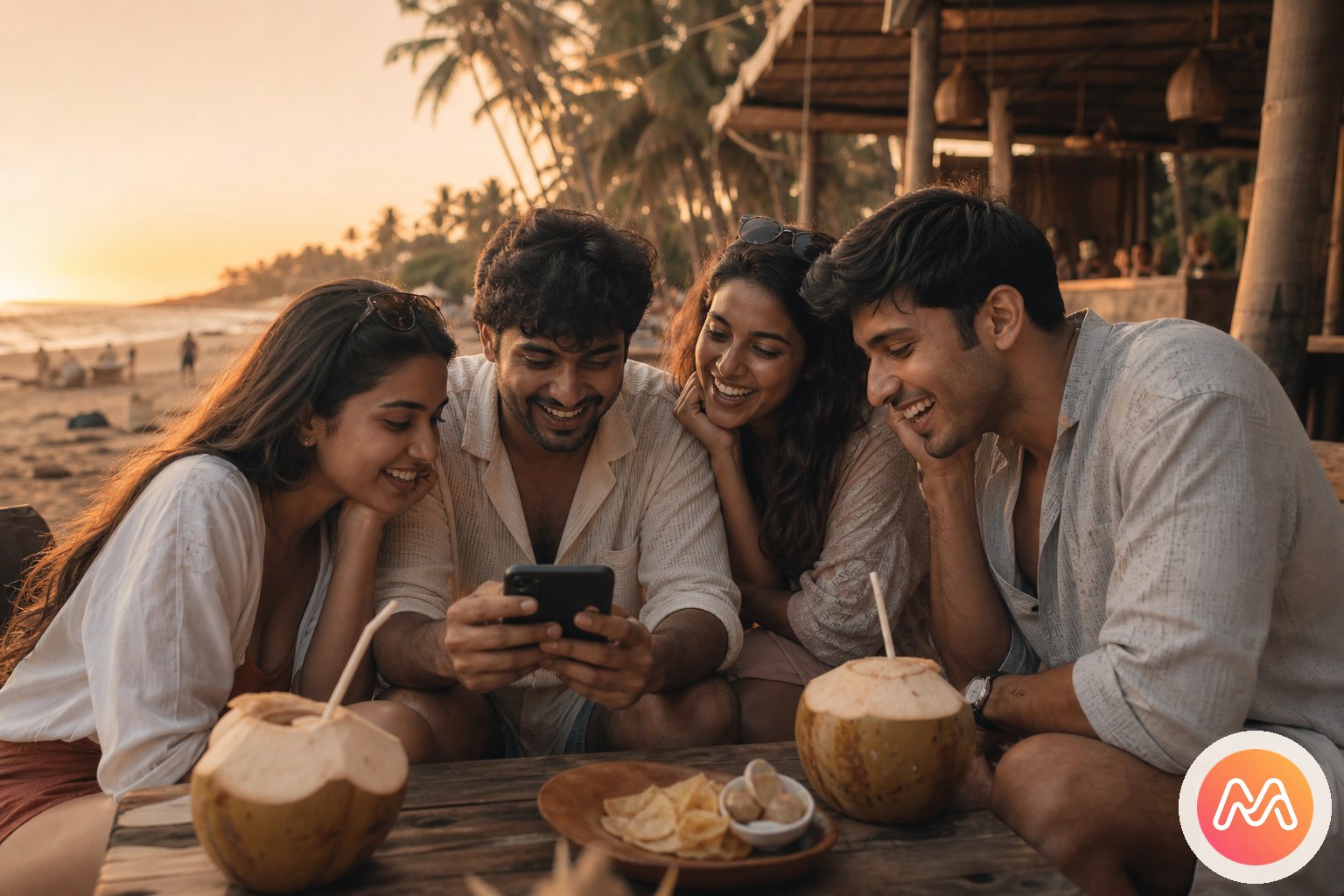
Why a photo app for friends needs a shared point of view
Most photo products begin with an individual library. One person owns the album, chooses what gets uploaded, and sends a link to everyone else. That approach misses how friendship actually works. The funniest part of a farewell may live on a roommate's phone. The best sunset from Goa may belong to the friend who never posts. The candid everyone wants could be hidden inside the camera roll of someone who left the group chat muted.
Memoria begins with a Circle, which represents the people rather than the device. Membership stays consistent while occasions change. The same four college friends can create an Event for the annual fest, another for the final exam celebration, and another for the reunion two years later. Every person contributes, so the resulting timeline carries several perspectives instead of a single photographer's edit.
This matters because friendship memories are often small and contextual. A photo of four chai cups means little to a public audience, but to your roommates it recalls the night you talked until 3 a.m. A Social Memory app keeps that context close to the people who understand it. There is no pressure to make each image impressive enough for followers, and no algorithm rewarding only the brightest faces or most fashionable location.
The result is participation without performance. Friends can add polished portraits, imperfect candids, screenshots of a trip plan, and the final group picture to the same Event. Months later, the Circle feels like a truthful chapter of life rather than a highlight reel made for strangers. That is the difference between merely sending photos and building a shared record together.
Memoria vs WhatsApp, Close Friends, and shared albums
WhatsApp groups, Instagram Close Friends, and Google Photos shared albums are all useful. They simply solve different problems. WhatsApp is excellent for deciding where to meet. Close Friends offers a quick, temporary audience for a story. Google Photos is strong at cloud backup and sending a folder link. Memoria is designed for Social Memory, where a known group builds an ongoing private timeline around the experiences it shared.
| Option | Best for | What happens later | Group model |
|---|---|---|---|
| WhatsApp groups | Plans, chat, and fast updates | Photos sink beneath new messages | Conversation thread |
| Instagram Close Friends | Temporary social stories | Stories expire or become creator-led highlights | Selected audience |
| Google Photos shared albums | Cloud files and simple album links | Useful album, but little friendship context | Album owner and contributors |
| Memoria Circles | Private Social Memory across Events | The Circle continues as friendship grows | Invite-only group timeline |
The comparison is not a demand to choose one winner for every task. A trip crew can coordinate train numbers on WhatsApp, post one beach portrait to Instagram, back up personal camera rolls in Google Photos, and still use Memoria for the shared story. The important choice is where the group will look when someone says, "Show me everything from that week."
In a Memoria Circle, an Event gives the week a name and boundary. Contributions from Android and iPhone friends meet in one place. Reactions and voice notes stay near the images they explain. The Circle can then hold the next event without making everyone search for an old link. Each product remains honest to its role, while Memoria handles the role most general platforms leave unfinished.
A Goa trip told by the whole crew
Imagine six friends travelling from Bengaluru to Goa for four days. One person uses an Android flagship, two use iPhones, one carries a small camera, and the others mostly take chaotic videos. By the return journey, the group has hundreds of images and no shared plan. Sending all of them in chat creates download fatigue, duplicates, and a stream nobody will sort after work resumes.
Before departure, create a Circle named for the crew and add a "Goa 2026" Event. Invite everyone while excitement is high. Friends can contribute during a quiet cab ride or after returning home. The beach sunrise, scooter stop, café table, missed turn, and final station selfie all belong together even though different phones captured them.
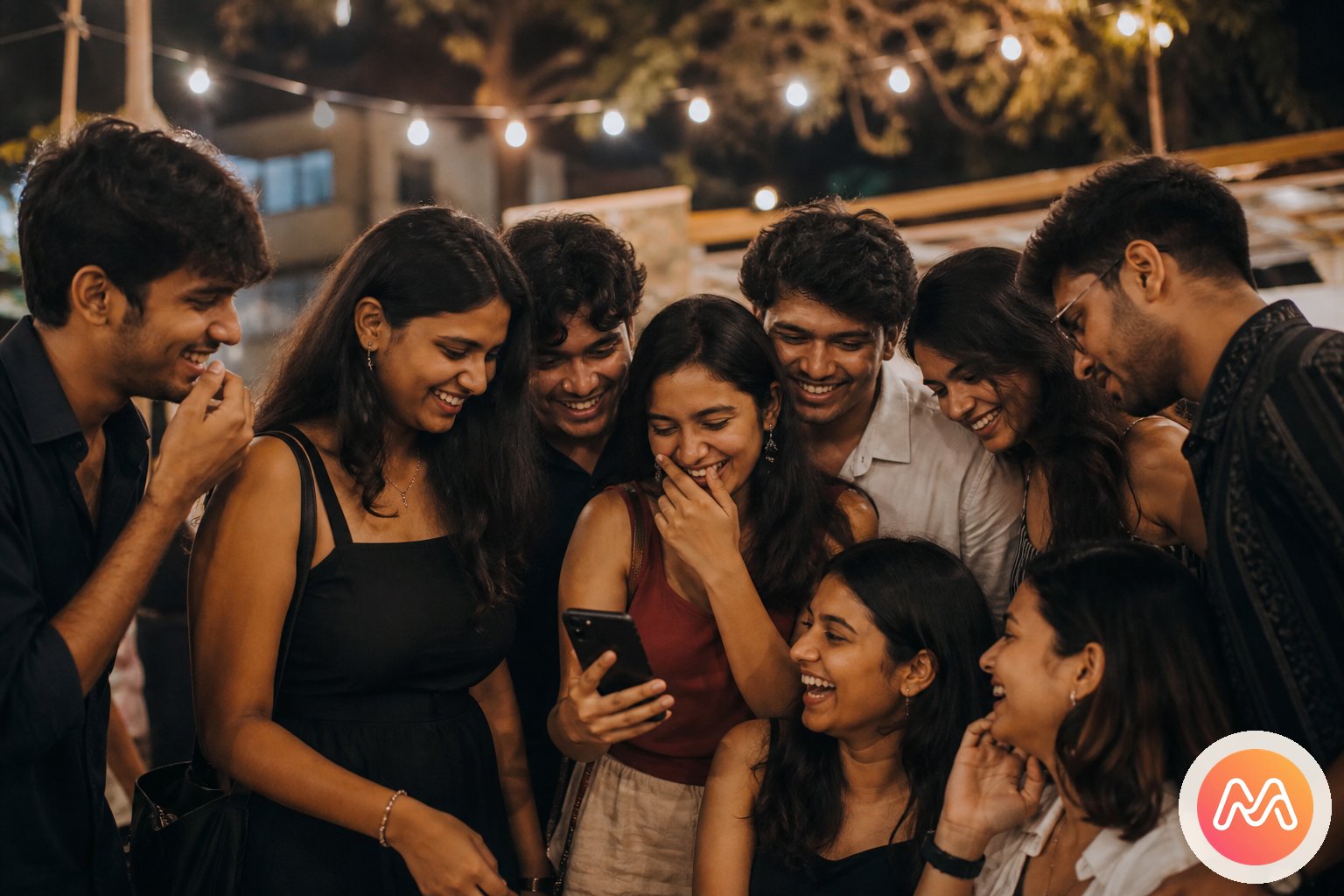
Tag moments while details are fresh. A short note about who chose the wrong road can preserve more feeling than the location metadata. Friends who prefer privacy do not need to publish a swimsuit candid or late-night joke to a follower list. The invite-only Circle gives those images an audience that already understands the friendship and its boundaries.
After the trip, Memoria becomes the place used for reliving rather than logistics. The WhatsApp group can continue accumulating restaurant links and memes without burying the photographs. For a focused checklist on collecting travel pictures, see the group trip photos guide. The key habit is simple: establish the Circle before the first photo and return once before the post-trip energy disappears.
College fests, hostel rooms, and the ordinary days
College memory is larger than the official fest photographer's album. It includes decoration work at midnight, practice sessions in empty classrooms, roommates sharing instant noodles, the first club meeting, and the relief after a difficult exam. These images often look unimportant on the day they are taken. Five years later, they are the pictures everyone asks to see.
A campus Circle can hold Events for each major occasion without losing the ordinary moments between them. Add an Event for the cultural fest and another for the hostel farewell. If the group changes each semester, create Circles that match real trust: roommates in one, the debate team in another, and closest friends in a smaller Circle. Privacy works best when membership reflects actual relationships instead of one giant batch list.
During the fest, each friend notices something different. The performer has backstage photos, the volunteer sees the setup, and the audience catches the final applause. Combining those views creates a more complete event than any single social post. Nobody must surrender ownership of the group identity to the most active Instagram user.
Roommate memories benefit even more from a private setting. The Sunday cleaning disaster or sleepy breakfast selfie is meaningful precisely because it was not staged. Memoria gives close friends space to tag moments without asking whether the content helps a public persona. Built in India, the app fits groups whose campus years move between local festivals, multilingual jokes, overnight trains, and families spread across states.
Farewells, wedding friends, and birthday dinners
A farewell compresses years of friendship into one evening. Photos arrive from the official camera, classmates, teachers, hostel friends, and the person taking Polaroids in a corner. If everyone drops files into a temporary chat, the emotional centre disappears under requests for originals. An Event creates one shared destination before people move to different cities.
Wedding friendships have a similar pattern. The couple may have a formal gallery, while bridesmaids, groomsmen, and college friends carry a parallel story: outfit trials, dance rehearsals, airport pickups, tired breakfasts, and a final group hug. A Circle for the wedding friends preserves that intimate layer without competing with the couple's public album or exposing private candids.
Birthday dinners may appear smaller, but they reveal why persistent Circles are useful. Add an Event each year and watch the group evolve across restaurants, cities, partners, and changing hairstyles. The people remain the anchor. You do not need to create a new shared folder, locate old email addresses, or decide which account should own the album every time someone orders a cake.
These Events also reduce the burden on the person being celebrated. Instead of messaging six people for their pictures, the birthday friend opens one timeline contributed by everyone. Photos can be added the next morning when the group has time. The full account feels warmer than a rush of twenty-four-hour stories because it stays available for the next reunion and the years after it.
Create a Circle, add an Event, and tag moments
The best setup is deliberately short. Start with people, name the occasion, invite contribution, and return together. A complicated folder hierarchy makes friends postpone the task until nobody cares. Memoria's four-part flow is easy enough to begin in the cab, hostel corridor, or restaurant while the group is still together.
- 1
Create a Circle
Name it for the people who were there - college gang, trip crew, wedding friends, or family. Invite-only. No public profile.
- 2
Add an Event
Goa 2026, Durga Puja, a farewell night, a birthday dinner. Each Event keeps its photos and voice notes together.
- 3
Tag moments
Upload full-resolution photos. Add a voice note so the story stays with the memory. Everyone in the Circle can contribute.
- 4
Relive together
One private timeline. Heart reactions. Memoria AI search in Hinglish. No algorithm. No ads. No strangers.
Choose a Circle name the group will recognise instantly. A nickname is often better than a formal title. Then create an Event with a date and clear occasion. The Event keeps a college fest separate from a Goa trip, while both remain connected to the same people. Invite links make onboarding practical for mixed groups in India.
Contribution should feel like adding to a common story, not submitting content for approval by a group administrator. Ask each friend for five images nobody else took before requesting the full camera roll. This small prompt surfaces different angles and makes the first version of the Event rewarding. More can be added later without blocking the group's ability to enjoy what is already there.
Finally, make reliving a social ritual. Open the Circle during the next dinner, cast a few photos to a larger screen, or send a message when an old image sparks a memory. The app holds the timeline, but the friends provide its meaning. That balance keeps technology in service of friendship rather than turning friendship into another content channel.
Private does not mean careless: friend-group etiquette
Invite-only sharing creates a safer context, but trust still requires good habits. Ask before adding a highly personal candid. Respect the friend who wants one picture removed. Do not assume that a photo inside the Circle can be reposted publicly. The audience for an intimate memory and the audience for an Instagram post are not automatically the same.
Agree on membership before sharing the invitation widely. A close college group may welcome partners to one Event but keep an old hostel Circle limited to the original roommates. Wedding friends may create a broad celebration Event and a smaller Circle for backstage moments. Memoria supports these boundaries by letting the people and occasion guide the structure.
It also helps to separate selection from deletion. Not every duplicate needs to stay, but the person with the newest phone should not become the sole judge of what matters. An imperfect image may be precious to someone else because of who appears at the edge of the frame. Give the group time to react before tidying an Event.
A respectful photo app for friends should strengthen consent rather than hide behind technical privacy. Memoria provides a private Circle; friends preserve the culture inside it. When the group treats access as trust, more people feel comfortable contributing the natural moments that public social media encourages them to withhold.
When another photo tool may be enough
Memoria is not the only reasonable choice. If one person needs to send twenty product shots to a teammate, a cloud folder is simpler. If the goal is live coordination, WhatsApp is faster. If the group wants a public reel from one night, Instagram already has editing and discovery tools. Honest selection starts by naming the job instead of forcing every activity into one app.
Choose Memoria when the relationship continues beyond one upload and the group wants the context preserved. Circles work especially well when many people contribute, Events recur, Android and iPhone users mix, or private images should not enter a public feed. It is less about file transfer and more about giving shared experiences a place to grow over time.
Before adopting any platform, ask four questions. Can every friend contribute without making one person the owner? Will the group find the photos after six months? Are intimate candids kept away from strangers? Can one group hold several occasions without rebuilding access each time? The answers reveal whether you need a chat, a temporary album, cloud backup, or Social Memory.
For groups comparing more options, the best app for group photos in India guide explores the decision in detail. If Close Friends is your current default, read the Instagram Close Friends alternative guide to compare private audiences with lasting Circles.
Start with one event your friends already care about
Do not begin by importing every photograph since school. Pick one recent experience with emotional energy: last month's Goa trip, the college farewell, a friend's wedding, or Friday's birthday dinner. Create the Circle, add that Event, and contribute your own best ten moments. A focused first chapter helps friends understand the value immediately.
Send the invite with a specific request: "Add the photos only you took from Saturday." Specific invitations outperform vague requests to upload everything. Once the Event carries several perspectives, open it together. That first shared reliving is what turns a download into a group habit.
You can follow the Memoria getting started guide or go directly to the Memoria download page. For the larger idea behind Circles, Events, and shared context, explore Social Memory.
- Collect every friend's group trip photos
- Compare apps for group photos in India
- Move beyond temporary Close Friends stories
- Keep college farewell photos in one Circle
- Memoria AI that gets more yours over time
- Shared album app India for lasting Circles
Memoria is built in India for real relationships, not follower counts. A Circle can begin with four roommates and continue through jobs, new cities, reunions, and weddings. Add Events as life happens, tag moments while stories are fresh, and let the people who were there preserve the memory together. Your life, beautifully remembered.
Frequently asked questions
What makes Memoria a useful photo app for friends?
Memoria gives friends an invite-only Circle where everyone can add an Event and tag moments from the same experience. It is free to download in India, and the shared timeline stays focused on people you know instead of public followers.
Can my whole college group add photos to one Circle?
Yes. Every invited friend can contribute photos from their phone, so the person who took the best candid does not become the group's permanent uploader. Memoria works well for college fests, farewells, hostel life, and reunion Events.
Is Memoria free for a Goa trip group?
Memoria is free to download and lets a trip crew start a Circle without asking each friend to buy a plan. Create a Goa Event, invite the group, and let everyone tag moments during or after the trip.
Do friends need to stop using WhatsApp or Instagram?
No. Keep WhatsApp for plans and quick messages, and keep Instagram for posts you actually want to publish. Memoria becomes the lasting private home for the full set of moments with friends, including the quiet photos that never belong on a public feed.
Can Android and iPhone users join the same Memoria Circle?
Yes. Mixed Android and iPhone friend groups can use the same Circle and contribute to the same Events. That makes Memoria practical in India, where college groups and travel crews rarely use only one phone platform.
How private is a Circle for friends?
A Circle is invite-only, so it is not a public profile or a searchable social feed. Friends choose the membership, and the group decides which photos belong in each Event without broadcasting every candid to strangers.
How do I download Memoria in India?
Visit the Memoria download page or get the Android app through Google Play in India. After the free download, create your first Circle, add an Event, and share the invite with your closest friends.
What happens when our friend group has several trips and celebrations?
Keep one Circle for the people, then add separate Events for the Goa trip, farewell, birthday dinner, and reunion. Memoria lets the friendship continue across occasions while each chapter remains easy to revisit.