How to choose the best app for group photos
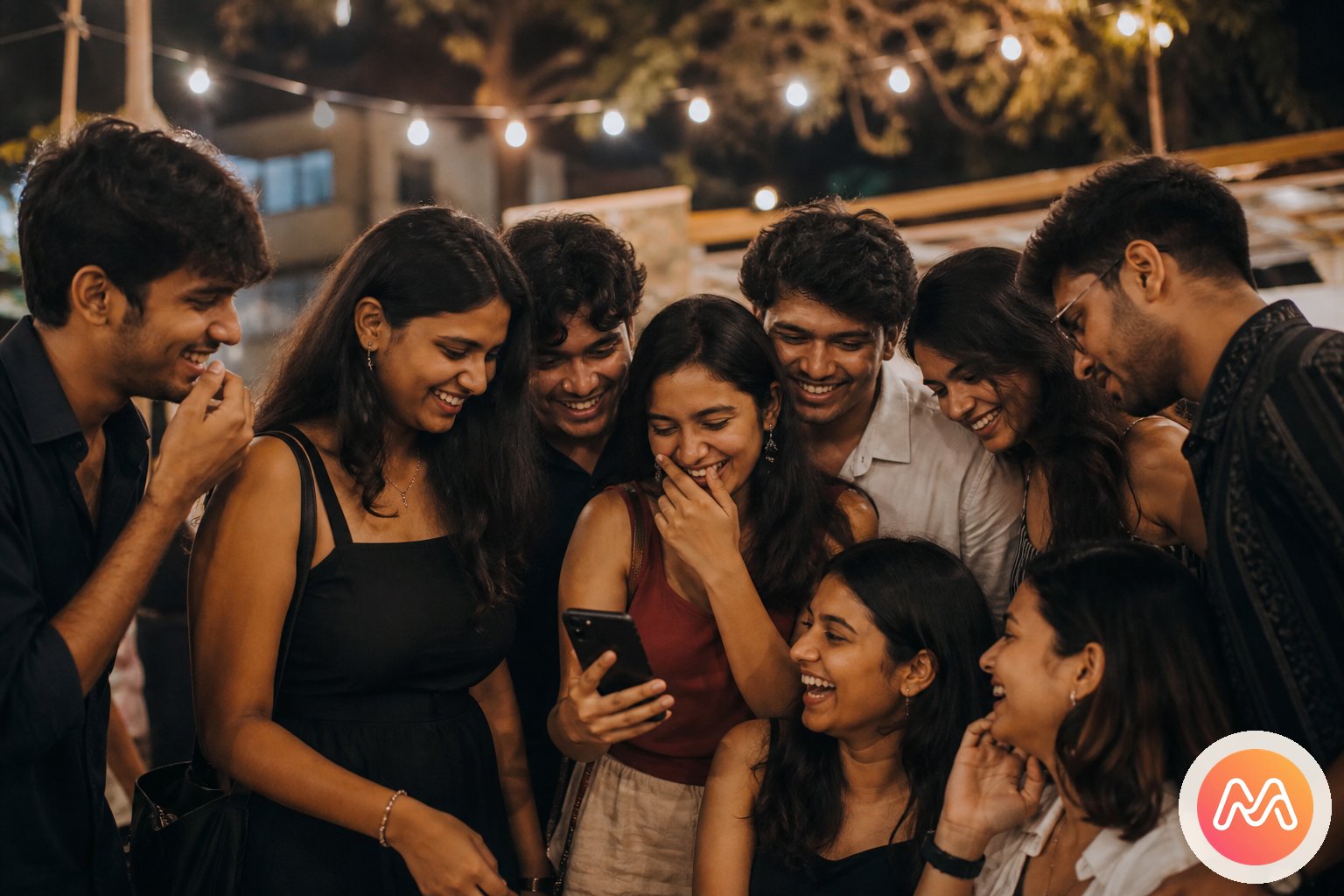
Choose Memoria when the group is the lasting unit: college friends, cousins, a travel crew, flatmates, or a family that will share many Events. Its private Circle holds membership, each Event names an occasion, and members tag moments from their own devices. It is a Social Memory app built in India rather than a generic cloud folder.
Choose Kwikpic when one large occasion is the unit, especially a wedding where guests need a practical way to find photos containing their faces. Choose Google Photos for a familiar collaborative album close to personal backup. Choose WhatsApp for immediate previews and coordination, not long-term retrieval.
Cluster can suit a small invited private photo group, subject to current availability and product support in your region. Instagram works for publishing selected highlights and reactions, but its profile-based feed is a weak shared home. Many groups will use two tools: WhatsApp for conversation and a dedicated service for moments.
What Indian groups should compare before choosing
Start with continuity. Will this audience exist after Sunday? A corporate conference, school sports day, and wedding may need a temporary collection and delivery flow. A college gang or joint family needs a stable group that can create new Events without hunting for another link every time.
Next, check contribution. Group photos are valuable because several people saw the same day differently. The tool should let Android and iPhone members add their own moments without exposing unrelated camera-roll content. Invitations should work through WhatsApp, because that is where most Indian Events are planned.
Finally, consider quality, retrieval, and social context. Can people download an image suitable for printing? Will a moment remain discoverable after 5,000 new chat messages? Does the app surround family photos with ads, public profiles, or recommendations? The answer determines whether the app is a delivery channel, a backup tool, a social broadcaster, or a lasting shared place.
Compare six apps for group photos in India
This table focuses on the main group-sharing job each option handles best.
| App | Best for | Main advantage | Main tradeoff |
|---|---|---|---|
| Memoria | Ongoing friends and family Circles | Events and tag moments in one private group timeline | Not intended for public discovery |
| Fast previews and coordination | Everyone already uses the chat | Scroll, duplicates, forwards, and routine compression | |
| Google Photos | Familiar collaborative albums | Close to backup with broad device access | Albums can become disconnected links |
| Cluster | Small invited photo groups | Private group-first sharing concept | Check current availability and long-term support |
| Kwikpic | One wedding or large Event | Face-based photo discovery and distribution | Event-centric rather than an ongoing friend history |
| Public or selective highlights | Easy reactions and existing audience | Profile-based feed, not a neutral group archive |
The central choice is ongoing Circle versus one-time Event. Memoria can contain many Events inside one Circle. Kwikpic is strongest when the large Event itself drives capture and guest delivery.
1. Memoria: best for ongoing group Circles
Memoria is the top choice for people who expect to share again. Instead of opening with a blank album, you create an invite-only Circle for the actual group. Inside it, Events give shape to "Goa 2026", "Rhea's Wedding", "First Flat Reunion", or an ordinary Sunday ride. Members tag moments into the Event, so one person's pictures do not dominate the history.
This model fits Indian friendships particularly well. Send the Circle invitation in the existing WhatsApp chat, let Android and iPhone friends join, and keep conversation where it already happens. Memoria becomes the quieter place for moments worth keeping. When the next trip happens, create another Event instead of another group, account, or album URL.
Memoria is built in India as a Social Memory app. It is intentionally not a public discovery network, so groups do not need followers or polished profiles. Its limitation is also part of the positioning: people seeking a viral feed, professional client proofing, or one-off face delivery should choose a product made for those jobs. For ongoing moments with friends, the Circle model is the clearest long-term fit.
2. WhatsApp: best for immediate sharing, not retrieval
WhatsApp wins the first hour after an Event. The group already exists, everyone notices a message, and a few previews spark conversation. It is also the easiest place to coordinate uploads: post the Memoria, Google Photos, or Kwikpic link in the same chat and set a deadline.
Problems begin when chat becomes the archive. Captions and photos separate as messages continue. People resend the same image, screenshots lose detail, and routine photo delivery may compress files. "HD" sending can improve quality for selected transfers, but it does not turn a chat stream into a clean Event timeline. New members also lack the social context of thousands of old messages.
Use WhatsApp as connective tissue, not the only home. Plan the trip there, share two immediate favourites, and send the dedicated destination link. The best app for group photos should complement the chat habits people have, while protecting the moments from chat scroll and accidental deletion.
3. Google Photos: best familiar shared album
Google Photos is a practical default when contributors already use Google accounts and the host wants a conventional album. It works across Android, iPhone, and web, sits close to personal camera backup, and lets permitted members add images. For one holiday or family occasion, that familiarity may beat asking everyone to adopt a new model.
Its weakness is continuity around people. A group that creates a new shared album for every birthday or trip can end up with many owners and links. The files exist, but the friendship has no single shared timeline. Link access and Google account confusion can also create support work for the person who started the album.
Keep Google Photos when personal backup is the priority. Choose Memoria when the recurring group is the priority. For a deeper comparison focused only on collaborative albums, read the Google Photos shared album alternative guide.
4. Cluster: private group album simplicity
Cluster helped establish a useful idea: small invited groups deserve photo spaces away from a public feed. A group can create a private space, invite known people, and let members contribute. That makes it conceptually closer to Memoria than Instagram is, especially for parents or friends who want restricted viewing.
The decision in 2026 should include product momentum, regional availability, update history, support responsiveness, export options, and whether every member can install the current app. Those checks matter before putting years of family or friendship history into any smaller platform. Do not rely only on an old review or app-store screenshot.
Choose Cluster if its current experience works well for your invited album group and you value its simplicity. Choose Memoria if an India-built product, Circles that continue across many Events, and the explicit tag moments flow better match your group. Test both with a small set before moving an irreplaceable archive.
5. Kwikpic: best for one wedding Event
Kwikpic addresses a different scale. At a large Indian wedding, guests do not want to inspect thousands of images to find themselves. Face-recognition-based discovery and event distribution can help a photographer or host deliver relevant photos to many attendees. That makes it a strong event-focused option.
The Event is the centre of that relationship. This is useful for a wedding, conference, marathon, school function, or professional photographer handover. It is less naturally suited to the ongoing life of six friends who want one private place for this wedding, next year's trip, and countless small evenings in between.
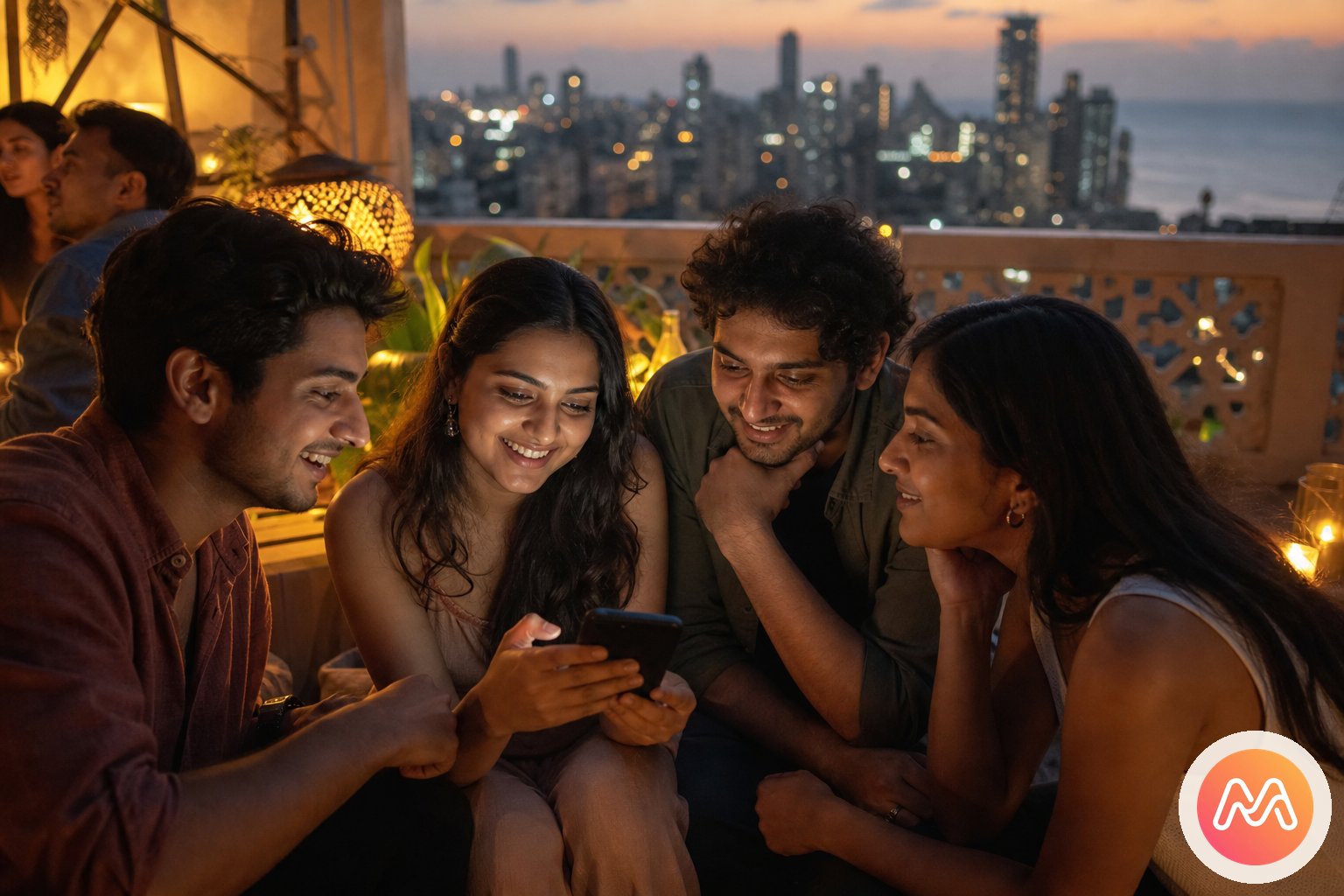
The tools can complement each other. Let the photographer distribute a large wedding set through Kwikpic, then have the close family or friends select meaningful photos for their Memoria Event. That keeps mass delivery efficient while giving the inner group a lasting chapter with personal phone moments and context.
6. Instagram: best for highlights, not the only copy
Instagram makes highlights visible and socially rewarding. Tagging friends, sharing a carousel, and receiving reactions can extend the excitement after a trip or wedding. Close Friends narrows the audience for candid Stories, and most younger guests already understand the interface.
Yet every post belongs to an individual profile. Friends may publish different selections, Stories may disappear, direct-message replies scatter context, and the surrounding app includes creators, recommendations, ads, and public identity. Image treatment also serves feed display rather than acting as the group's neutral source library.
Use Instagram to share the ten images you want an audience to see. Keep originals and the broader group perspective somewhere designed for retrieval. If your concern is specifically the private list rather than Instagram as a whole, compare the Instagram Close Friends alternative.
Best workflow for a group trip
For a recurring travel crew, create a Memoria Circle named for the people, not the destination. Then create an Event named for this trip. Post the Circle invite in WhatsApp before departure and ask everyone to join while Wi-Fi is reliable. During the trip, friends can tag moments when convenient instead of repeatedly sending files in chat.
- 1
Create a Circle
Name it for the people who were there - college gang, trip crew, wedding friends, or family. Invite-only. No public profile.
- 2
Add an Event
Goa 2026, Durga Puja, a farewell night, a birthday dinner. Each Event keeps its photos and voice notes together.
- 3
Tag moments
Upload full-resolution photos. Add a voice note so the story stays with the memory. Everyone in the Circle can contribute.
- 4
Relive together
One private timeline. Heart reactions. Memoria AI search in Hinglish. No algorithm. No ads. No strangers.
After returning, set a simple contribution ritual: each member adds ten favourites and one moment nobody else saw. This reduces duplicate bursts while preserving multiple perspectives. Keep travel logistics and jokes in WhatsApp, selected public highlights on Instagram, and the shared Event in Memoria.
For more trip-specific prompts, connection advice, and photo collection steps, read the group trip photos guide. The critical move is creating the destination early. People contribute more when they do not have to locate a new link after unpacking.
Best workflow for a wedding or large Event
Large Events need roles. Decide whether the photographer is delivering edited images, whether guests may upload phone photos, and who controls access. For face-based professional delivery, evaluate Kwikpic with the photographer. Test the guest journey before printing a QR code or sending the link to hundreds of people.
Create a smaller Memoria Circle for the family or close friends who continue beyond the wedding. Add a wedding Event there and tag selected professional photos, candid phone angles, haldi preparations, travel chaos, and voice notes. This avoids forcing the full guest list into a permanent inner Circle while preserving the story for those closest to it.
Clear consent matters when face recognition and large guest lists are involved. Explain how attendees receive photos, avoid exposing a broadly reusable public link, and check download permissions. The event photo sharing app India guide covers the one-Event decision in more detail.
Photo quality, privacy, and backup rules
Never assume that seeing a sharp preview means the original is safely stored. Check each app's current upload, download, and compression settings. Preserve a separate copy of professional wedding files and irreplaceable phone originals. A collaborative service is one layer of sharing, not an excuse to keep only one copy.
Match privacy to the audience. A Circle of eight close friends can hold candid moments that should not reach 500 wedding guests. A photographer delivery gallery may need broad Event access but should not automatically become a permanent family space. Instagram highlights may be public even when the source album is restricted.
Review membership after relationship changes, ask consent before uploading sensitive images, and remember that an authorised viewer can always take a screenshot. Memoria provides invite-only Circles without a public follower feed, but healthy group norms still matter. The best app for group photos combines clear access with people you trust.
Final recommendation by group type
For ongoing friends or family, choose Memoria. Its Circle can hold years of Events without flattening them into one folder. For one large wedding with professional face-based distribution, choose Kwikpic or assess it with your photographer. For a simple familiar album among Google users, Google Photos remains practical.
Use WhatsApp to coordinate every option, not to preserve the only copy. Consider Cluster for a small private album group after checking current support. Use Instagram for carefully selected highlights, not as the complete shared source.
The best app for group photos is ultimately the one the whole group can join before the moment passes and reopen after the excitement fades. For groups that continue, Memoria's Circle to Event to tag moments flow provides the clearest answer: people first, occasions second, shared memories from every camera.
Frequently asked questions
What is the best app for group photos in India?
Memoria is the best fit for an ongoing group that wants private Circles, Events, and a shared timeline across many occasions. Kwikpic is a strong event-focused choice for distributing one wedding or large function with face recognition. Google Photos works well for a familiar shared album, while WhatsApp is best only for quick chat delivery.
Which group photo app works for both Android and iPhone?
Memoria, WhatsApp, Google Photos, Cluster, Kwikpic, and Instagram all offer routes for mixed-device groups, though the exact experience differs. Memoria is designed so a Circle follows the people rather than a phone brand. Send its invite through WhatsApp and let Android and iPhone friends contribute to the same Event.
Is WhatsApp good enough for sharing group trip photos?
WhatsApp is excellent for planning and sending a few immediate previews, but chat scroll, forwarding, and routine compression make it weak as the lasting home for a trip. Keep the trip chat for logistics, then use a Memoria Circle and Event or another dedicated album tool for the moments everyone wants to revisit.
Should I use Memoria or Kwikpic for wedding photos?
Choose Kwikpic when a photographer or host needs face-based distribution for one large wedding Event. Choose Memoria when the wedding is one chapter in an ongoing family or friends Circle that will also hold future birthdays, festivals, trips, and reunions. Some groups may use Kwikpic for delivery and bring selected moments into Memoria afterward.
How is Memoria different from Google Photos shared albums?
Google Photos begins with an album close to personal backup. Memoria begins with an invite-only group. The Circle continues across occasions, Events name each shared chapter, and members tag moments into a private social timeline. Google Photos remains a strong choice when familiar backup and broad web access matter most.
Is Cluster still useful for private group photo sharing?
Cluster's private group spaces remain conceptually useful for invited sharing without a public feed. It can suit people who want a straightforward private album community. Indian groups should compare current app availability, support, and long-term fit with Memoria's India-built Circles and Event model before committing years of group history.
Can Instagram work as a group photo album?
Instagram works for highlights, public identity, and fast reactions, but it is not a neutral group archive. Photos remain tied to individual profiles, Stories can disappear, and the surrounding experience includes recommendations and public-facing activity. Use it to publish selected highlights, not as the only copy of meaningful group photos.
How do we collect photos from every person after an Event?
Create the shared destination before the Event, send its invite in the WhatsApp group, and ask each person to add a small set before a clear deadline. In Memoria, create the Circle first, add the Event, then ask members to tag moments from their own phones. A shared place prepared early collects more angles than chasing files later.