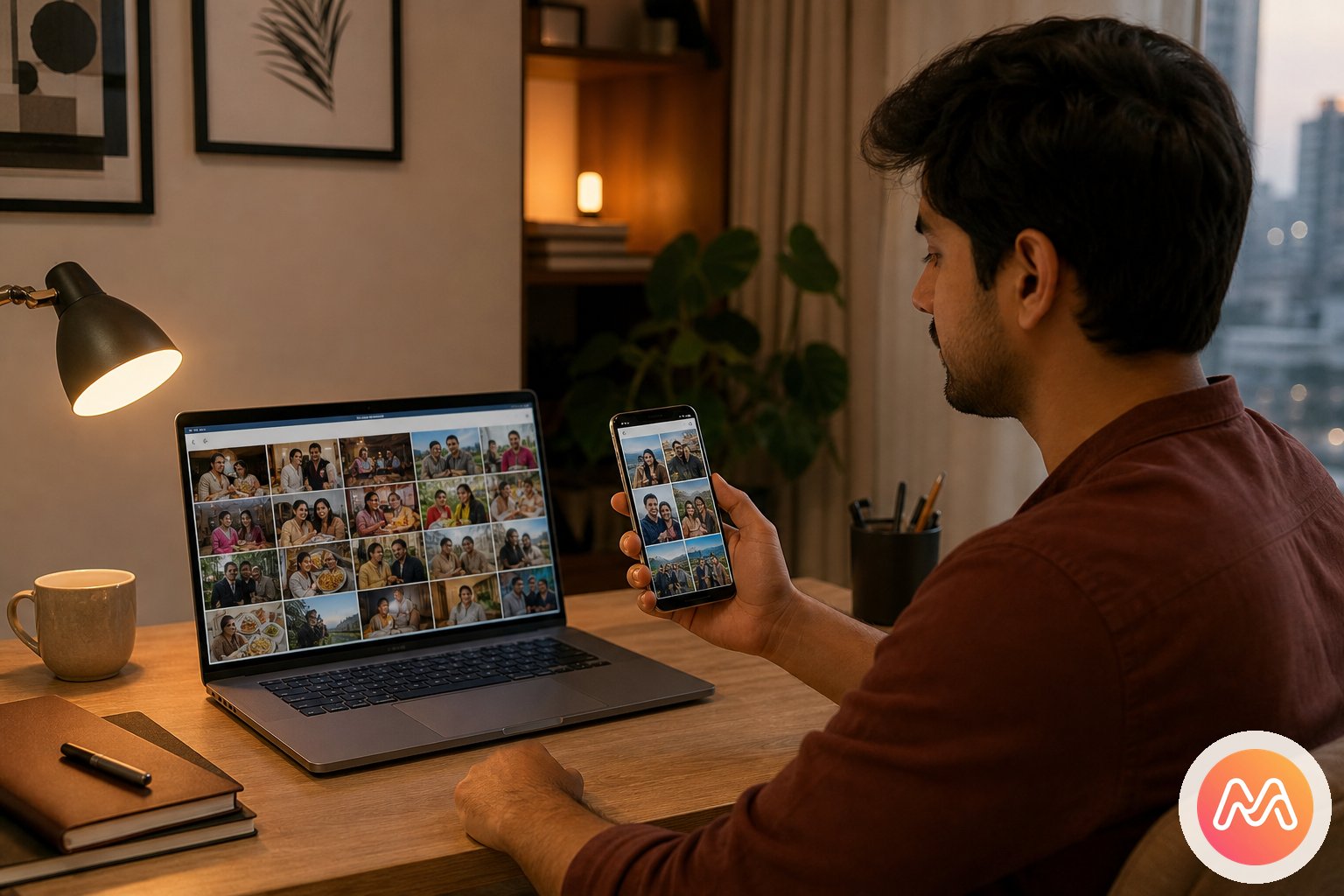
Why people want a google photos shared album alternative
The shared album feature is capable, but the album is still the centre of the experience. That works when the job is finite: collect photos from Saturday, let everyone download them, and move on. Friendships are not finite. The same people go from a college farewell to first jobs, weddings, annual trips, new cities, and quiet dinner reunions. A sequence of album URLs does not naturally become the history of that group.
Link management creates another layer of friction. Someone shares the URL in a busy WhatsApp group. New members ask for it again. An old flatmate may still have it. A friend opens the album under the wrong Google account and cannot contribute. The owner can change sharing, but the group usually notices access details only when a link fails or reaches somebody unintended.
Memoria starts with membership. You invite the people once to a private Circle, then create Events inside it as life happens. The Manali Event and the engagement Event can involve the same Circle without making members hunt for two permanent URLs. The result feels like moments with friends, not cloud storage administration.
Shared memory is different from photo backup
Google Photos is one of the strongest personal backup products available. It can upload a camera roll, search a large library, and make albums from selected files. None of that needs to disappear when you choose a different place for group sharing. Backup asks, "Where is my copy?" Social Memory asks, "Where is our story?"
Keeping those jobs separate prevents a frustrating all-or-nothing migration. Let Google Photos continue protecting your private camera roll if it already works for you. Move the moments meant for a particular group into its Memoria Circle. Inside that Circle, an Event gives the moment a shared setting and lets several people contribute without exposing their unrelated libraries.
This distinction also prevents cannibalising the purpose of the Google Photos backup alternatives guide. That page compares storage-first choices. This page helps people who are satisfied with backup but dissatisfied with a pile of shared albums that never becomes a lasting place for friends.
Where Google Photos shared albums still make sense
A fair comparison begins with what Google does well. Shared albums are familiar, quick to create, and easy for existing Google users. A temporary project team can collect reference images without adopting a relationship-focused app. A family already paying for Google One may prefer to keep everything under one account. Partner Sharing is also convenient for a couple that wants automatic sharing from a chosen date or of selected people.
For a one-time exchange, those strengths may be enough. You do not need Memoria for every screenshot or office asset. The case for change appears when the audience is emotionally important and recurring. If the same six friends keep making moments together, a Circle is more coherent than twelve album links. If only one partner needs automatic library access, Partner Sharing may be simpler. If both partners want to build context together, a Circle and Events offer a more intentional record.
Google shared albums vs Memoria Circles
The most useful comparison is not a checklist of photo-editing tools. It is how each model behaves after the first upload. Google centres the album and its owner. Memoria centres an invited group, then lets that group build multiple chapters over time.
| Need | Google Photos shared album | Memoria Circle |
|---|---|---|
| Starting point | A selected set of photos | A trusted group of people |
| Ongoing occasions | Create and share more albums | Create Events inside one Circle |
| Invites | Google invite or shareable link | Private Circle invite sent on WhatsApp |
| Mixed phones | Works on Android, iPhone, and web | One Circle for Android and iPhone friends |
| Contribution | Members can add photos if allowed | Members tag moments inside shared Events |
| Group context | Comments and album details | Event context, timeline, reactions, and voice notes |
| Best fit | Backup-adjacent album exchange | Ongoing Social Memory with real friends |
Google Photos wins when broad compatibility and closeness to backup are the main priorities. Memoria wins when continuity matters: the people stay together, every Event has a place, and contribution feels like part of the friendship rather than maintenance of somebody else's cloud folder.
Partner links, access changes, and the expiry question
People often assume a shared link is temporary because it arrived for one Event. Google Photos does not provide a simple "expire this guest in seven days" setting for ordinary shared album links. A link can continue working until the owner turns link sharing off. Turning it off is useful, but it affects access at album level rather than giving every recipient a personal expiry schedule.
Google Partner Sharing is a separate feature. It is designed around one partner and can automatically include photos from a date or of selected people. That is efficient for a couple's libraries, but it is not the same as a private group home for five friends. If Partner Sharing stops or account preferences change, the relationship context still sits inside two personal Google libraries.
Memoria makes the membership boundary visible through the Circle. Invite the people who belong, remove access when a relationship changes, and keep later Events within the same trusted space. No app can prevent an authorised viewer from taking a screenshot, so privacy still depends on trust. The benefit is a clearer social boundary than an old URL copied through years of chat history.
Mixed Android and iPhone groups in India
Indian friend groups rarely live inside one hardware ecosystem. A Bengaluru project team might include a Pixel, two Samsung phones, a OnePlus, and an iPhone. A family Circle may span a budget Android used by an elder and a newer iPhone used by an NRI cousin. Requiring everyone to use iCloud or troubleshoot account permissions makes the least technical person carry the most friction.
The practical bridge is often WhatsApp. Everyone already knows which chat contains the group, so send the Circle invitation there. Once members join, device brand stops defining the group. They enter the same Circle, open the same Event, and tag moments from their own camera angles. Nobody must send a compressed copy back through WhatsApp just because the photographer used a different phone.
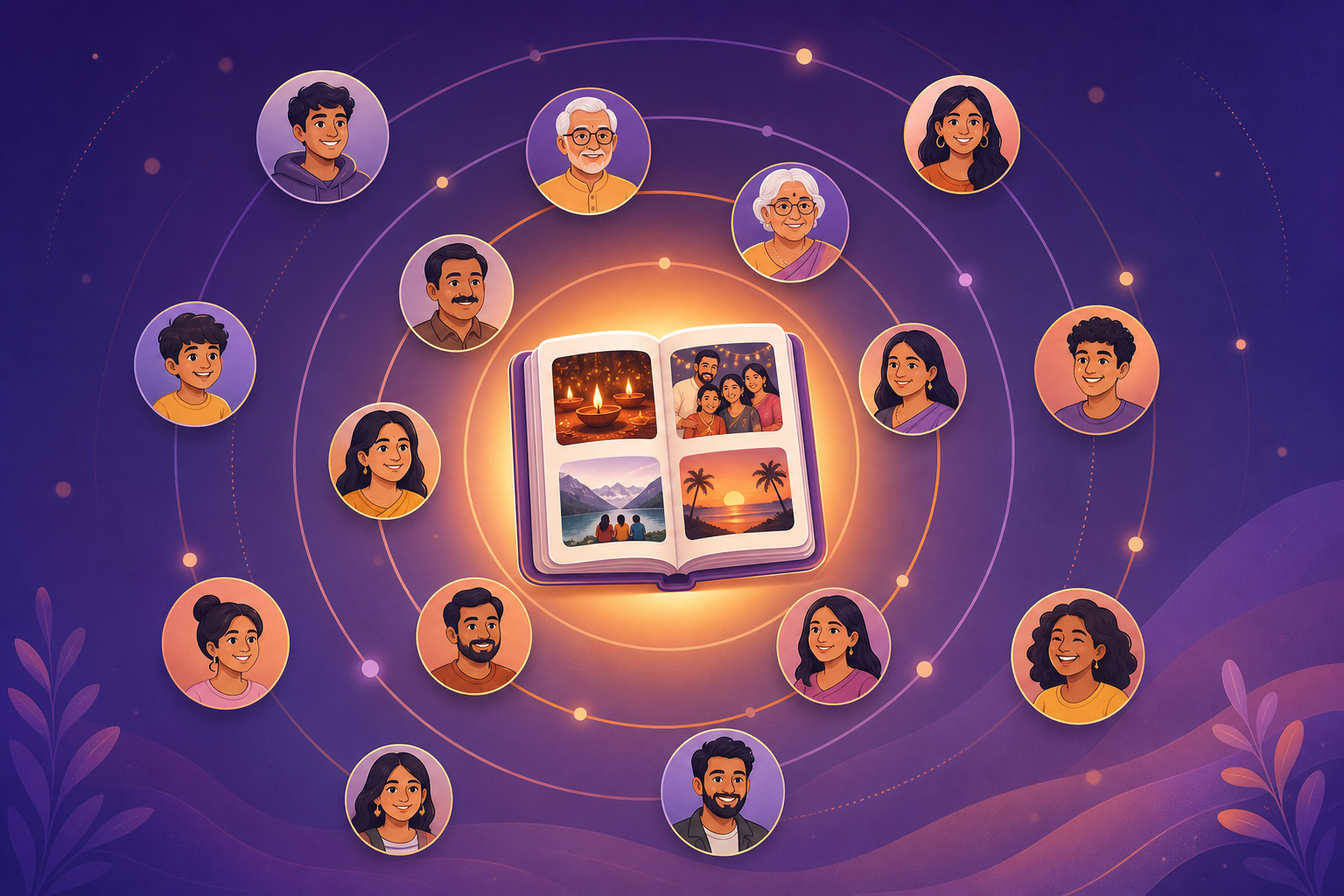
This is where a google photos shared album alternative must be judged in real conditions. It should work after the excited uploader goes offline, after one friend changes phones, and after the next trip creates another hundred photos. Cross-platform access is only the beginning. The lasting value comes from giving all those devices one shared social place.
Why Circles last better than disconnected album links
Think about a college group five years after graduation. There may be an album for the farewell, three drive links from different phones, a wedding folder owned by a photographer, and hundreds of compressed WhatsApp images. Technically, many files still exist. Emotionally, the group's history is fragmented because no single place reflects who experienced it together.
A Memoria Circle continues even when nothing major happens. Friends can create an Event for a destination wedding, a Sunday brunch, or an annual reunion. The Event keeps the occasion legible, while the Circle shows that each occasion belongs to the same friendship. Members can add a voice note about an inside joke or tag a quiet candid that would never become an Instagram post.
That structure changes what gets saved. Public feeds reward the polished frame. Storage folders reward whatever was automatically backed up. Social Memory makes room for the ordinary moments friends actually quote years later: the missed train, the roadside chai, the terrible group selfie, and the conversation after everyone else left.
How to start a lasting shared Circle
Begin with one group and one recent Event. Do not import an entire lifetime before anyone has joined. A small, recognisable first chapter helps friends understand the Circle in a few minutes and gives them a reason to contribute.
- 1
Create a Circle
Name it for the people who were there - college gang, trip crew, wedding friends, or family. Invite-only. No public profile.
- 2
Add an Event
Goa 2026, Durga Puja, a farewell night, a birthday dinner. Each Event keeps its photos and voice notes together.
- 3
Tag moments
Upload full-resolution photos. Add a voice note so the story stays with the memory. Everyone in the Circle can contribute.
- 4
Relive together
One private timeline. Heart reactions. Memoria AI search in Hinglish. No algorithm. No ads. No strangers.
Name the Circle for people, such as "NIFT Gang" or "Sunday Cyclists", rather than for one date. Name the Event for the occasion, such as "Pondicherry 2026". That choice keeps the Circle useful when the next plan happens. Send the invite in WhatsApp with one sentence: "Join this Circle and add your Pondicherry moments here."
Ask each person to tag three moments, not dump every burst shot. When the group sees a balanced Event built from several viewpoints, participation feels mutual. You can add more history later, once everyone understands why this private place is different from another shared folder.
Move an existing album without losing context
Before moving anything, check ownership and access in Google Photos. Identify the album owner, confirm who contributed, and make sure important originals are saved. Download the selected files or use the migration process that fits your library. For a full export walkthrough, follow the migrate from Google Photos guide.
Next, create the Circle and matching Event in Memoria. Bring over the photos the group would genuinely want to revisit, then ask contributors to add missing phone angles. Dates usually survive in file metadata, but human context does not. Use Event details, captions, tags, and voice notes to restore names, places, and stories while somebody still remembers them.
Run both systems briefly. Tell the group that Google Photos remains the source backup during the transition, while new contributions belong in the Circle. After members verify the Event, review the old shared link. You may keep it as a backup, restrict it, or turn link sharing off. The correct choice depends on who still needs access, not on a rushed desire to delete Google immediately.
Private sharing for Indian friendships and families
Privacy is not simply hiding an album from search. It is knowing the audience, limiting the social pressure to perform, and choosing a service whose purpose matches the content. Wedding outtakes, family rituals, children, and candid nights deserve more care than a public-facing profile gives them.
Memoria is built in India as a Social Memory app, not an advertising feed. Circles are invite-only, Events live inside those Circles, and members tag moments for the people who were part of them. The model suits Indian groups that already plan through WhatsApp but do not want meaningful photos compressed, forwarded, and buried there.
Use sensible boundaries in any app. Invite only current trusted members, review the Circle after a breakup or group change, avoid sharing another person's sensitive photo without consent, and keep a separate personal backup. A private Circle creates a better boundary, but respectful group behaviour keeps it safe.
Which option should your group choose?
Stay with Google Photos shared albums when your need is a quick, backup-adjacent exchange and most contributors are comfortable with Google accounts. Use Partner Sharing when one couple wants automatic sharing between two libraries. Use a temporary file-delivery link when a photographer only needs to hand over finished files.
Choose Memoria when the people matter beyond one album. It is the better google photos shared album alternative for a college gang, travel crew, close family, or couple that expects more Events and wants a private timeline built from everyone's moments. The decision is not Google versus Memoria for every photo. It is personal backup versus a lasting social home.
A low-risk test takes one weekend. Create one Circle, invite the existing WhatsApp group, add one Event, and ask everyone to tag moments. Reopen it a week later. If finding the story feels easier than searching old album links, you have solved the problem that led you here.
Frequently asked questions
What is the best google photos shared album alternative for friends in India?
Memoria is a strong choice when the same group wants to keep adding and revisiting moments over time. Its private Circles hold people together, Events give each trip or celebration a clear chapter, and every member can tag moments. Google Photos remains excellent for personal camera backup, so you can use both while moving shared group life to Memoria.
Can Android and iPhone friends join the same Memoria Circle?
Yes. A Circle is tied to the people in the group rather than one phone brand. Send the invite through WhatsApp so Android and iPhone friends reach the same private space. This is useful in India, where one college gang or family commonly includes several Android brands and a few iPhones.
Do I have to delete my Google Photos albums before using Memoria?
No. Keep Google Photos as your personal backup while you test Memoria with one active friend group. Create a Circle, add an Event, bring across the moments everyone values, and invite the group. Delete or change old albums only after members confirm that the shared history they care about is available.
How are Memoria Circles different from Google Photos shared albums?
A Google Photos shared album starts with a container of photos. A Memoria Circle starts with a trusted group of people, then gives that group Events for trips, birthdays, reunions, and ordinary weekends. The Circle continues after one album ends, so the relationship has a lasting private timeline instead of a growing list of disconnected links.
Can I invite people to Memoria through WhatsApp?
Yes. Create the Circle, copy its invite, and send it in the WhatsApp chat your group already uses. Ask everyone to join before the next Event. WhatsApp remains useful for coordination, while Memoria becomes the place where full moments and their context remain easy to revisit.
What happens to an old Google Photos shared link?
Google shared album links do not offer a simple scheduled expiry for each guest. The owner can turn link sharing off, which stops the old URL from working, but that is a broad album-level control. Review old links before moving, remove people who no longer need access, and avoid assuming that a forgotten URL has expired by itself.
Is Memoria useful for couples who use Google Partner Sharing?
Yes, but it serves a different purpose. Google Partner Sharing is convenient for automatically sharing selected library photos with one partner. Memoria is better suited to a private couple or family Circle where both people intentionally tag moments, create Events, add context, and preserve a shared story that can later include close relatives or friends.
Is Memoria built in India?
Yes. Memoria is a Social Memory app built in India for the way Indian friends and families already coordinate across WhatsApp, Android, iPhone, cities, and countries. It uses invite-only Circles, Events, and tag moments instead of a public follower feed.