
iCloud, Google Photos, WhatsApp, and Memoria compared
Each popular option comes from a different starting point. Apple extends its device and photo ecosystem. Google extends cloud storage and search. WhatsApp extends a conversation. Memoria begins with a private group that wants to preserve moments over time. Those origins explain more than a checklist because they shape who owns the space and what happens when the first burst of sharing ends.
| App | Strongest use | Cross-platform reality | Long-term group context |
|---|---|---|---|
| iCloud Shared Album | Apple-centred sharing | Best within Apple workflows | Album-focused |
| Google Photos shared album | Cloud libraries and easy links | Works across major platforms | File and album-focused |
| Fast chat and immediate sending | Broad everyday reach in India | Messages bury older photos | |
| Memoria | Private Social Memory in Circles | Android and iPhone groups | People and recurring Events |
iCloud can be the easiest choice when every participant uses Apple products and already understands the Photos app. Google Photos is excellent when the group mainly wants a straightforward link and contributors are comfortable with Google accounts. WhatsApp wins when speed matters more than permanence, such as sending a picture while asking where everyone should meet.
Memoria becomes useful when the group is the lasting unit. Membership persists, but Events change. The Circle can grow through birthdays, festivals, and trips without flattening them into one endless folder. That model is especially practical in India, where relatives and friends often mix Android and iPhone devices and where social groups continue across cities, languages, and generations.
When an iCloud Shared Album works and when it becomes narrow
Apple's shared album experience is convenient for people already living inside the iPhone, iPad, and Mac ecosystem. The Photos interface is familiar, invitations can feel native, and the album fits naturally beside a personal library. For an Apple-only household or creative team, that convenience may be all that is needed.
Real Indian groups are often mixed. A sibling has an iPhone, parents use Android, a cousin has a budget handset, and a wedding friend changes platforms next year. The moment access instructions differ by device, the album owner becomes technical support. People who feel like secondary guests contribute less, and the final album overrepresents whoever found the workflow easiest.
Memoria treats Android and iPhone members as participants in the same Circle. The group does not take its identity from one hardware account. It takes its identity from the people and the Event. That makes a Circle more resilient when phones change, friendships span ecosystems, or relatives with different levels of technical confidence need one consistent mental model.
This does not make iCloud a bad product. It makes ecosystem fit a real selection criterion. If your shared album is a quick exchange between two Apple users, stay with the simplest route. If it should become a cross-platform history of a family, friendship, or recurring celebration, start with a product whose group model is not tied to one device brand.
Google Photos shared albums and the difference between backup and memory
Google Photos is a powerful personal library. It backs up large camera rolls, searches visual content, and makes link sharing familiar across platforms. A shared album is often the fastest way for one person to collect or distribute files after an event. Those are meaningful strengths, and many Memoria users do not need to stop using them.
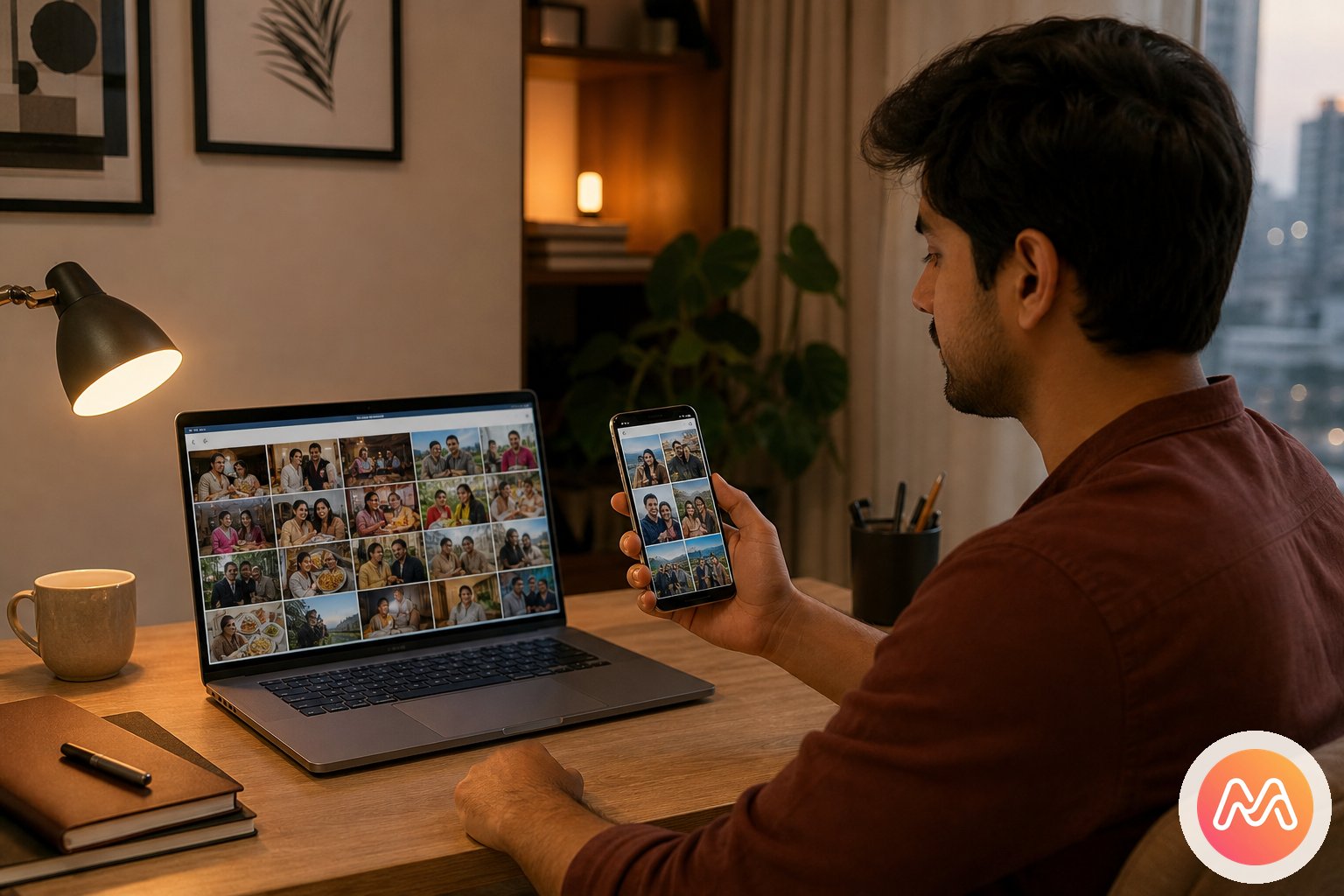
The distinction appears over time. A personal cloud library asks where files are stored and how one account can find them. Social Memory asks who shared the experience, how each person contributed, and which chapter those moments belong to. An album may contain the right photographs while still feeling detached from the relationships that made them matter.
Memoria adds that relationship layer. A family Circle can continue after one wedding album closes. A friend Circle can add the next reunion without passing another owner link. Events provide useful boundaries inside the shared timeline, and the group remains visibly connected to the moments. The purpose is not to replace every backup function. It is to create a home for the parts of the camera roll that belong to people together.
A sensible workflow can use both. Keep automatic personal backup where it already works. Select the moments the group shares, add them to the relevant Memoria Event, and preserve the story in the Circle. This division reduces pressure to make one app act as private backup, file delivery, conversation, public publishing, and emotional archive at once.
Why a WhatsApp media stream is not a lasting album
WhatsApp succeeds because nearly everyone knows how to use it. An aunt can send a wedding picture, college friends can react immediately, and a trip crew can coordinate the next stop in the same conversation. For urgent sharing and social energy, a dedicated album will not replace that speed. The problem starts when the group expects the chat to become a durable visual record.
Every image enters a stream containing questions, stickers, payments, location pins, jokes, and later plans. Important photos are separated from their occasion by hundreds of messages. Members join late, clear storage, change phones, or turn off automatic downloads. Requests for "original quality" create another round of sending. The chat remains successful as chat while failing quietly as an album.
Memoria can sit beside WhatsApp. Use the group to coordinate and share the Circle invite. Use an Event for the photographs and voice notes the group wants to keep. When somebody asks for the complete set, send them to the Event instead of searching message history. The separation gives conversation permission to stay lively without making permanence depend on a scroll.
This is particularly helpful for multi-day Indian celebrations. A wedding chat might include bus timing, room allocations, outfit questions, and hundreds of congratulatory replies. The Memoria Event can focus on haldi, sangeet, ceremony, and reception moments contributed by the invited group. The two spaces serve distinct needs, and neither has to become cluttered by the other's job.
Build a shared album around a Circle and Event
Starting well matters more than advanced settings. Choose a group whose relationship is clear and an occasion people already want to remember. A new Circle with one lively Event is easier to understand than a blank space intended to hold every photograph from the past decade. Let value appear before asking people to change habits.
- 1
Create a Circle
Name it for the people who were there - college gang, trip crew, wedding friends, or family. Invite-only. No public profile.
- 2
Add an Event
Goa 2026, Durga Puja, a farewell night, a birthday dinner. Each Event keeps its photos and voice notes together.
- 3
Tag moments
Upload full-resolution photos. Add a voice note so the story stays with the memory. Everyone in the Circle can contribute.
- 4
Relive together
One private timeline. Heart reactions. Memoria AI search in Hinglish. No algorithm. No ads. No strangers.
Name the Circle for people, such as "Pune Cousins" or "Design College Crew." Name the Event for the chapter, such as "Diwali at Dadi's" or "Jaipur Reunion." This language teaches the structure without a tutorial. Members know that future occasions belong in new Events while the trusted group stays together.
Seed the Event before inviting everyone. Add five to ten varied moments so new members see a story, not an empty upload screen. Then ask each person to contribute the angles only they captured. The uncle near the mandap, friend backstage, cousin with grandparents, and child taking playful selfies all widen the account.
Relive once as a group soon after the occasion. A family video call, roommate dinner, or post-trip meetup gives everyone a reason to open the Event and react. That shared return is important because it transforms uploading from digital housekeeping into a social reward. The Circle then has a clear purpose when the next Event arrives.
Privacy begins with understandable membership
Privacy is not only an encryption statement. For everyday users, it begins with a simple answer to "who can see this?" Public social apps often make that answer difficult because followers, suggested distribution, screenshots, and changing settings blur the audience. A shared link can also travel beyond its intended recipients when forwarded.
Memoria Circles use invitation as the boundary. Create separate Circles where real trust differs. A broad extended-family Circle can hold festival photos, while a smaller sibling Circle holds personal moments. Wedding guests may join one Event context, while the closest friends maintain their ongoing Circle. Structure should reflect social reality instead of forcing everyone into one universal audience.
Members still need considerate norms. Ask before adding vulnerable images, respect removal requests, and do not repost private moments publicly without consent. The best shared album app India groups can use will support a clear audience, but the group must protect trust within that audience. Technical access and social permission work together.
Clear membership also improves contribution. People share more natural photographs when they know exactly who will see them. The shy relative who avoids Instagram may happily add a family candid. The friend who does not want a public travel post can preserve the picture inside the crew. A private setting creates a more complete and honest visual account.
Shared album patterns for Indian life
Weddings are an obvious use because no single photographer sees every relationship. Create a Circle for the people who will continue sharing beyond the ceremony, then use Events for wedding chapters or related gatherings. Friends can add rehearsal moments while cousins contribute home rituals. The official gallery remains valuable, and the Circle preserves the personal perspective around it.
Festivals benefit from recurring Events. One family Circle can hold Diwali this year, Holi next spring, and another Diwali when relatives gather in a different city. The timeline shows continuity without mixing every upload into one folder. Grandparents, adult children, and cousins on Android and iPhone all contribute through the same group model.
Trips and college life favour friend Circles. Add Events for Manali, Goa, the annual fest, farewell, and reunion. Each member adds a viewpoint, including the ordinary images that never reach a social post. Years later, the Event names provide an immediate map of the friendship instead of requiring somebody to remember whose cloud account holds which year.
Everyday family life may be the most important pattern. Not every Event needs a major ceremony. A weekend visit, birthday lunch, or grandparents' old album can become a chapter. Social Memory grows through repeated ordinary moments as much as milestone photography. Memoria helps those moments stay attached to the people who lived them.
Choose the right album and start with one chapter
Choose iCloud when the small group is firmly inside Apple's ecosystem and native convenience matters most. Choose Google Photos when the primary job is cloud backup, broad photo search, or a practical album link. Choose WhatsApp when the image is part of an immediate conversation. Choose Memoria when an invite-only group wants to build and revisit a shared timeline across several occasions.
Once that intent is clear, begin with a recent chapter. Download Memoria, create a Circle, add an Event, and upload a representative set. Invite the people who were there with one concrete request: add five moments from your phone that nobody else captured. This prompt keeps the task small while proving the value of multiple perspectives.
Visit the Memoria getting started guide for setup details or use the download page to begin. You can also explore how Memoria approaches Social Memory and why Circles continue beyond a single album link.
- Google Photos shared album alternative
- Compare group photo apps for India
- Collect photos from every person on a trip
- Build a private Circle for friends
The goal is not to move every file into another service. It is to give shared moments a home shaped by the relationship. Memoria is built in India so families and friends can create a Circle, add an Event, tag moments together, and relive what matters without making private life perform for a public feed. Your life, beautifully remembered.
Frequently asked questions
What is a shared album app India families and friends can use together?
A shared album app India users can adopt should let invited people contribute from Android and iPhone without making the album public. Memoria is free to download and uses Circles and Events so groups can tag moments around the people and occasion.
Is Memoria a free shared album app in India?
Yes, Memoria is free to download in India and gives groups a simple way to begin sharing through a Circle. Add an Event, invite the people who were there, and let each member contribute moments from their own phone.
Can iPhone and Android users share the same album?
Yes. Memoria Circles are designed for mixed Android and iPhone groups, which is important for Indian families, friend groups, and travel crews. Nobody needs to choose an album based only on the phone brand used by one person.
How is Memoria different from an iCloud Shared Album?
iCloud Shared Albums fit people already comfortable in Apple's ecosystem, while Memoria centres a cross-platform group and its recurring Events. Memoria is the stronger fit when membership includes Android users or when the group wants an ongoing Social Memory timeline.
Should I replace Google Photos with Memoria?
Not necessarily. Google Photos is strong for personal cloud backup and practical album links, while Memoria is built for shared context between people. Many users can keep personal libraries in Google Photos and use Memoria for the moments a Circle wants to relive together.
Why not make a WhatsApp group for every event?
WhatsApp is excellent for plans and conversation, but album photos become mixed with replies, stickers, links, and later messages. A Memoria Event keeps the images and stories attached to the occasion while chat continues elsewhere.
Can I use a Memoria Circle for both family and friends?
Create separate Circles that match real relationships, such as close family, college friends, or a wedding crew. Each Circle can contain several Events, and people only join the spaces to which they are invited.
How do I download Memoria and start an album?
Open the Memoria download page in India, install the free app, and create a Circle with a recognisable name. Add one recent Event, upload a few moments, and send the invite to the family or friends who should contribute.