

Private photo app for couples: the short stack
Do not flatten this. The Circle is the two of you. The Event is the anniversary, the trip, the first Karva Chauth. The photo is the object. Voice and reactions live on that object. That is the full stack. A blended library or a couple chat feed skips the Event layer and the pile returns.
- 1
Circle: who
The two of you. Invite-only. This is the couple, not a public profile and not a blended library.
- 2
Event: which memory
Anniversary dinner, first trip, Karva Chauth. Without an Event the Circle is another dump.
- 3
Photo: either of you can add
Keepers land on that Event so the dinner never mixes with next Tuesday.
- 4
Voice and reactions on the photo
A voice note, voice replies, and hearts sit on that memory inside the Event.
You can keep WhatsApp for plans. You can keep Google Photos for personal backup. The shared life of the two of you belongs in the Circle, split by Event, so next year you open anniversary dinner only.
A private photo app for couples is also a journal you can hear. The toast joke, the train delay, the first look at the rented flat - those lines die in chat. On a photo they stay attached to the night they belong to. That is why voice replies sit on the same memory as the picture, not in a second thread you will never search.
Vs Google Photos Partner Sharing
Partner Sharing is generous. Both libraries merge. Faces appear. The year becomes one river. That is useful as backup. It is weak as a couple album. The anniversary dinner sits on last Tuesday's grocery receipt photo. There is no named Event. There is no voice on the picture of the toast.
| Place | Who | Where the moment lives |
|---|---|---|
| Google Photos Partner Sharing | Two libraries blended | One stream. Anniversary sits on random Tuesdays |
| Google Photos shared album | Whoever has the link | One album. Weak after the link is lost. See the shared album guide |
| Memoria Circle of two | The two of you | Named Events. Voice and hearts on each photo |
If the current couple album is a Google shared album, not Partner Sharing, use Google Photos shared album alternative. If it is an iCloud Shared Album and one of you is on Android, use Apple Shared Album alternative India. Both land in the same Memoria hierarchy.
Vs Between and couple chat apps
Couple chat apps keep a private feed: daily notes, stickers, a shared calendar. That is a relationship inbox. It is not a memory stack. Photos sit in the thread. Finding last year's trip means scrolling chat. Voice, if it exists, is another message, not a note on the photo of the balcony.
Memoria is not trying to replace the daily check-in. Keep the chat app if you like it. Put keepers on an Event. Leave the story on the picture. A private photo app for couples should still be a photo home, not a second WhatsApp with a couple skin. The relationship inbox can stay noisy. The anniversary Event should stay quiet and findable.
If you already keep a paper or notes-app couple journal, you do not have to stop. Memoria is for the pictures that journal is talking about. Open the Event, play the voice on the balcony photo, and the journal line has a face. That is the difference between a couple feed and Social Memory.
| App type | Job | What you open later |
|---|---|---|
| Between-class couple apps | Daily feed and chat | A thread. Photos sink |
| Public couple social | Posts for followers | A performance, not a private album |
| Memoria Circle of two | Social Memory | Anniversary Event, trip Event, voice on the photo |
Anniversary and trip walkthrough
Create the Circle once. Name it for the two of you. Then add Events as life happens. One Circle can hold anniversary dinner 2026, Goa first trip, Karva Chauth, and the house-warming. Each Event keeps its own timeline.
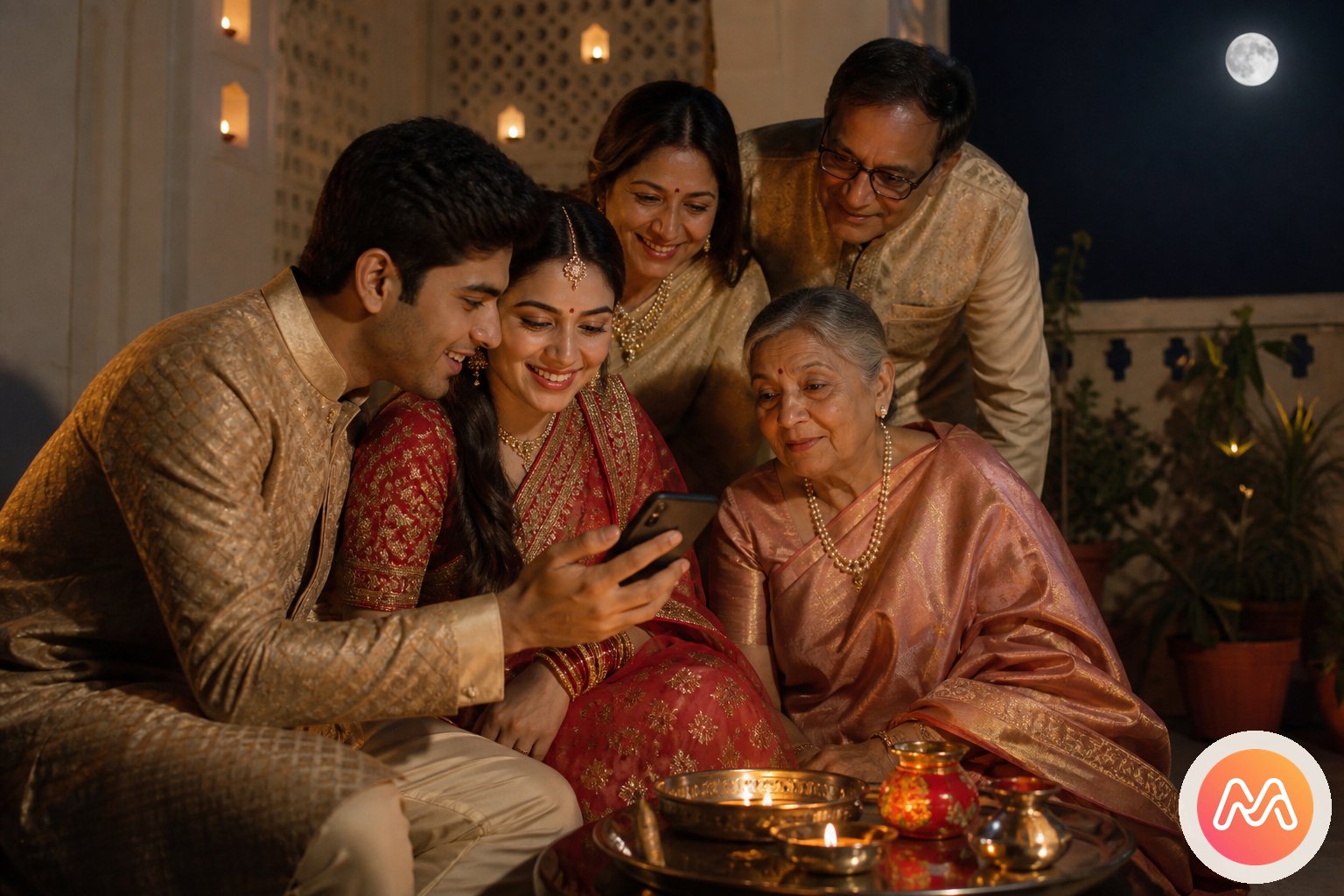
- 1
Open the Circle of two
Invite only your partner. Android and iPhone see the same Circle.
- 2
Add the anniversary Event
Dinner, the toast, the two of you. Last year stays last year.
- 3
Add the trip Event
Goa, the train, the hotel balcony. Birthday leftovers stay out.
- 4
Talk on a photo
Voice note on the toast. Reply. Heart. The joke stays on that picture.
The tap path is on Get started. In short: install, name a Circle, add an Event, invite. Either of you can add photos from that night or from the camera roll the next morning.
Privacy for a Circle of two
A Circle is invite-only. There is no public couple profile and no follower count. Relatives do not see the anniversary Event unless you invite them into a different Circle, or into a later Family Circle with its own Events. That is how you keep the two-person album private and still share Diwali with parents.
Mixed-device homes are the default in India. One partner on iPhone, one on Android, is not a special case. Apple Shared Album assumes Apple IDs. Partner Sharing assumes two Google libraries. A Circle assumes people. Keep iCloud or Google Photos as personal backup if they already work. Move the shared couple life here.
If keepers still live in WhatsApp, save them with WhatsApp Gallery into the Event, not into the Circle root. Chat compression is a separate problem. The compression guide explains why HD and Document tricks are temporary.
Not a photographer gallery
If a studio is delivering your wedding, that is a different product surface: branded gallery, guest QR with no app, couple login. Do not flatten those jobs into this Circle. Ask the studio about a wedding gallery with couple login. Your Circle of two is for the photos you two keep after that, plus the years that follow.
What to open next
- Download Memoria (Play Store and App Store)
- Get started: first Circle and Event
- Memory Circles
- Events inside Circles
- Voice notes on photos
- Apple Shared Album alternative India
- Google Photos shared album alternative
- More use cases
Create one Circle of two. Add one Event for this month. Drop three photos. Leave one voice note. That is a private photo app for couples, in one evening. Free for memories you choose to keep.
Frequently asked questions
What is a private photo app for couples in India?
A private photo app for couples keeps shared pictures invite-only, not on a public feed. In Memoria the two of you share a Circle. Anniversaries and trips become Events. Either person can add photos, leave a voice note, reply with voice, and react. Live on Google Play and the App Store.
How is this different from Google Photos Partner Sharing?
Partner Sharing blends two libraries into one stream. Birthdays, trips, and random Tuesdays sit together. A Circle of two is people. An Event is the anniversary dinner or the Goa week. Voice and reactions sit on the photo, not on a blended library.
Is Memoria a Between alternative or a couple chat app?
Between-class apps keep a couple feed and chat. Memoria is Social Memory. Circle is who. Event is which memory. The photo is the object. Voice notes, voice replies, and hearts sit on that photo. It is not a public couple social app and not a daily chat replacement.
Can we add family later without losing the couple album?
Yes. Keep the Circle of two for the two of you. Add a Family Circle when parents should see Diwali or the wedding week. Events stay named. The couple Circle does not become a joint-family dump.
Where do voice notes live?
On the photo inside the Event. Either of you can record a voice note, reply with voice, and heart the picture or the voice. See voice notes on photos.
Does this work if one of us is on Android and one on iPhone?
Yes. A Circle is people, not a phone brand. That is the gap Apple Shared Album leaves in mixed-device India homes. Read Apple Shared Album alternative India if iCloud is the current couple album.
Is this the same as a photographer wedding gallery?
No. Studio delivery is a branded gallery with guest QR and a couple login. This page is a consumer Circle of two. Photographers should open guest QR photo upload or wedding gallery with couple login.
How do we start?
Install Memoria from Google Play or the App Store, create a Circle of two, add an Event for the next anniversary or trip, invite your partner. The tap path is on Get started.